

Visual Planning : Optimize Project Management with Versatile Visualization
Visual Planning: in summary
Visual Planning is tailored for project managers and teams seeking efficient and customizable planning solutions. It facilitates enhanced team collaboration, resource allocation, and project tracking. Notable features include adaptable scheduling, real-time updates, and comprehensive reporting.
What are the main features of Visual Planning?
Adaptable scheduling
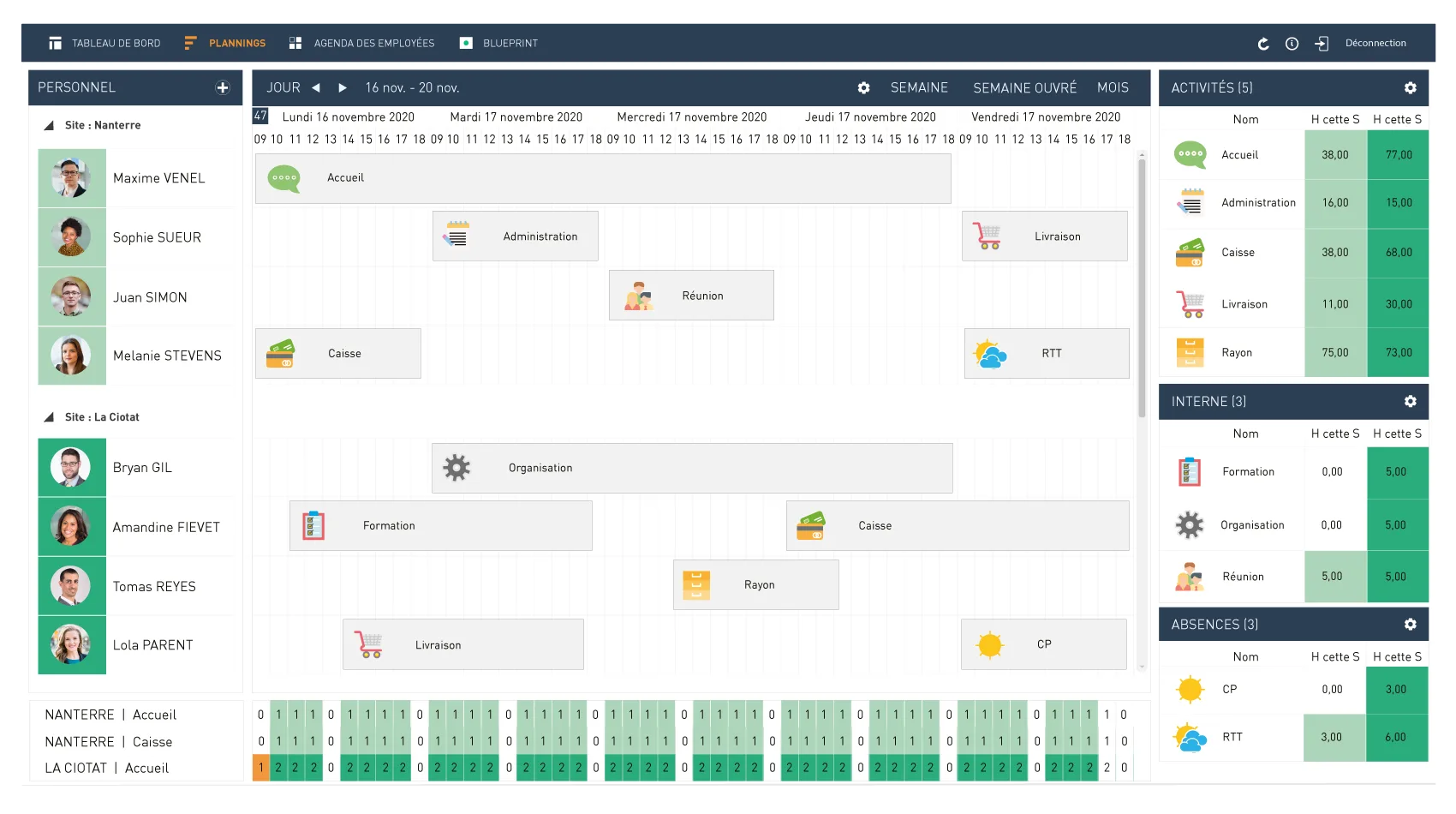
With Visual Planning, you have the flexibility to create and manage schedules that fit the unique needs of your team and projects. This feature ensures your workflow is streamlined and disruption-free.
- Drag-and-drop interface for easy adjustments
- Customizable views to suit various project types
- Integration with external calendars for consolidated scheduling
Real-time updates
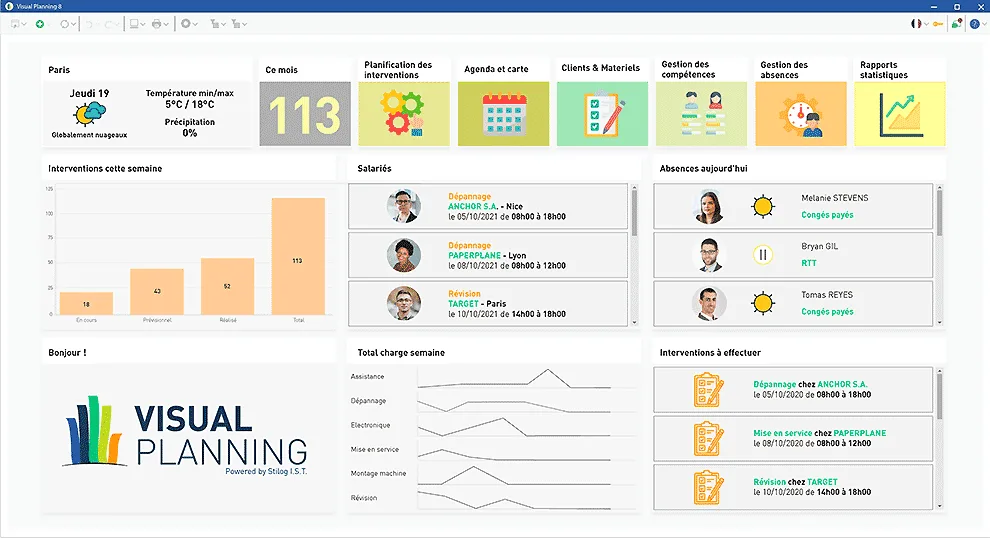
Keep your team aligned and informed with real-time updates. Any changes made are instantly reflected, ensuring everyone is on the same page.
- Instant notifications on updates and changes
- Real-time collaboration features to coordinate better
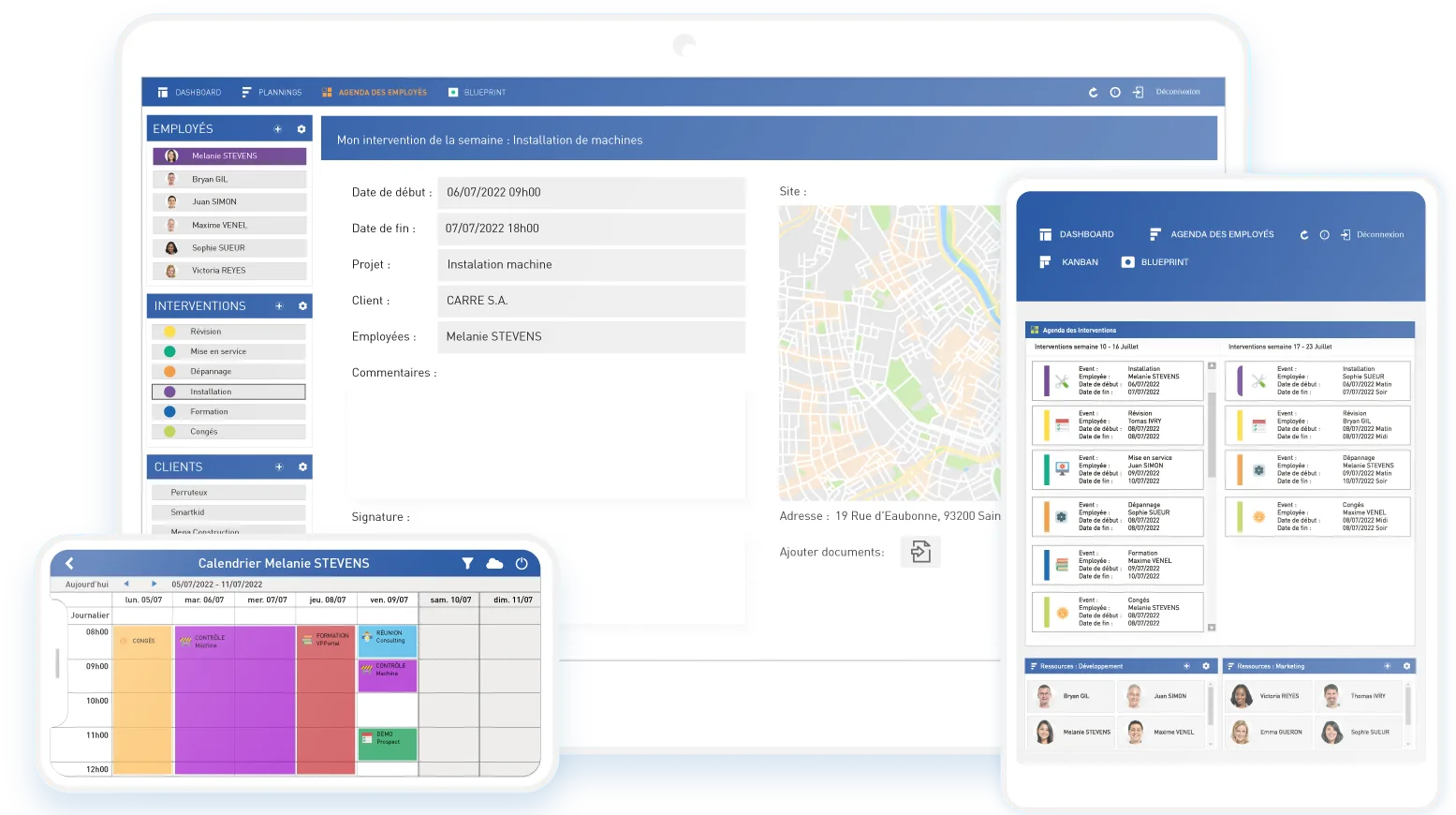
- Automatic synchronization across all devices
Comprehensive reporting
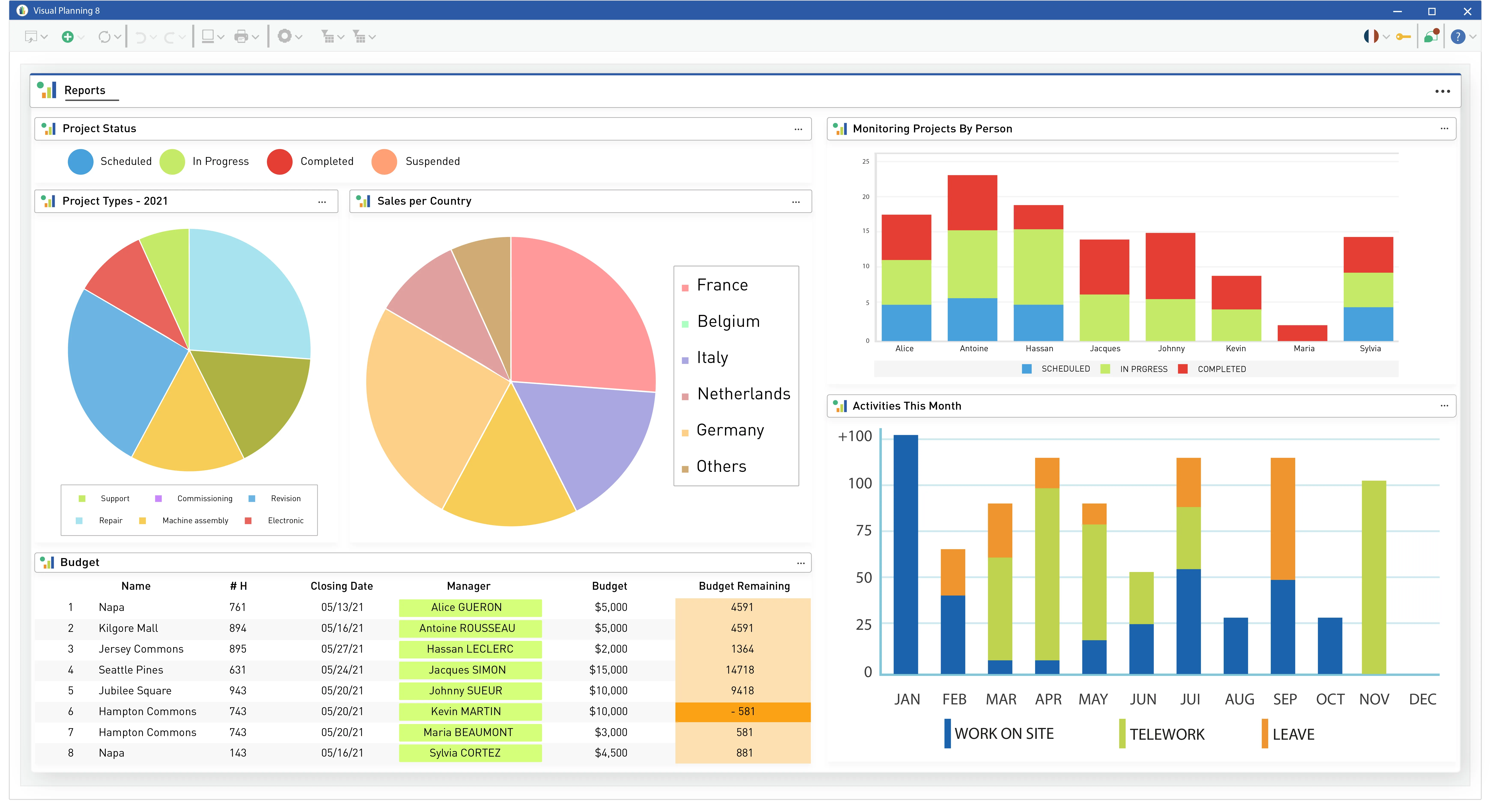
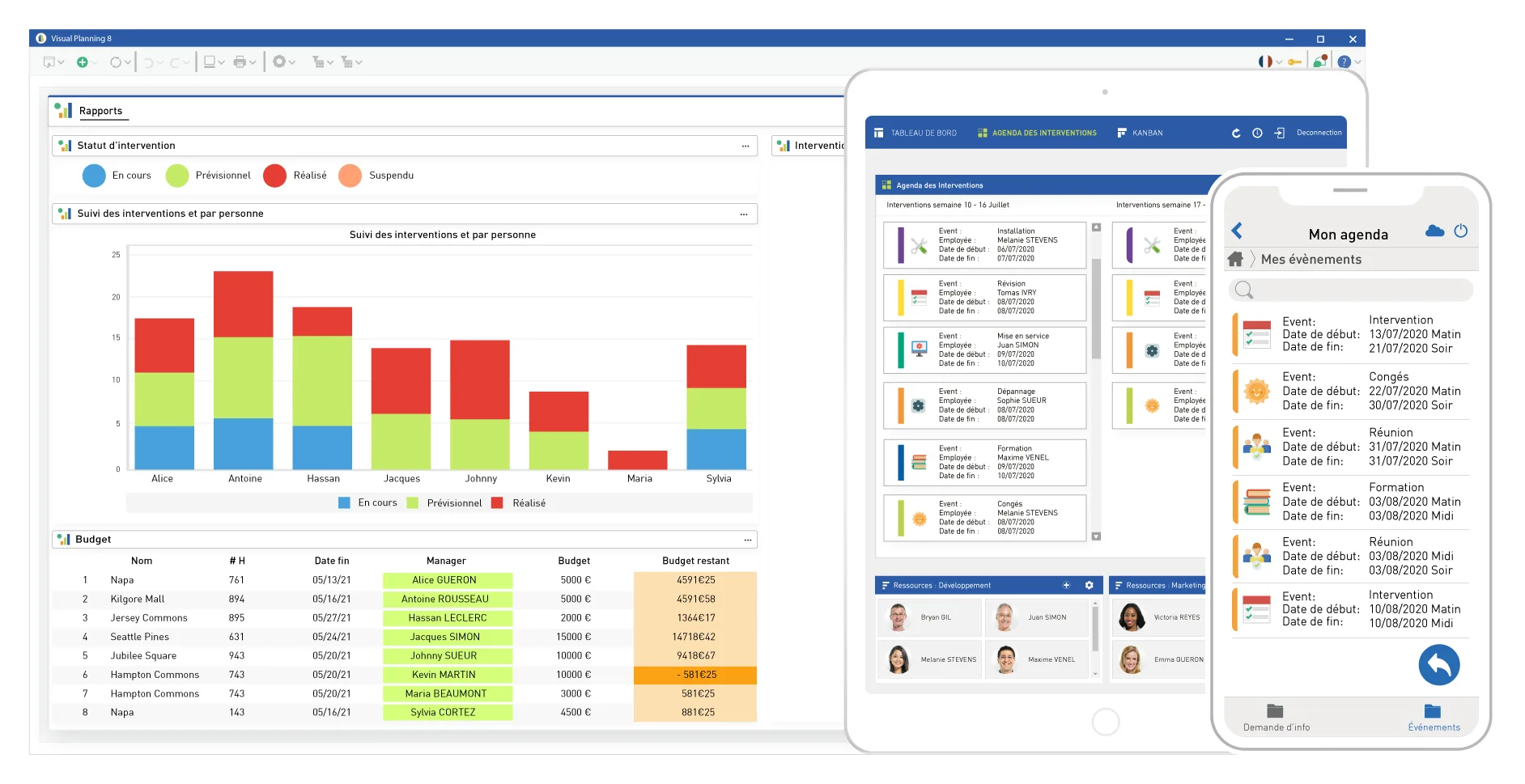
Visual Planning offers robust reporting tools that help you stay on top of progress and performance metrics. Get insights and make data-driven decisions for improved project outcomes.
- Customizable reports that fit your specific needs
- Dashboards and analytics for a quick overview
- Export options for sharing and archiving results
Its benefits
- Simple and intuitive planning
- Customizable interface
- Flexible / configurable
- Drag and drop
- Error reduction
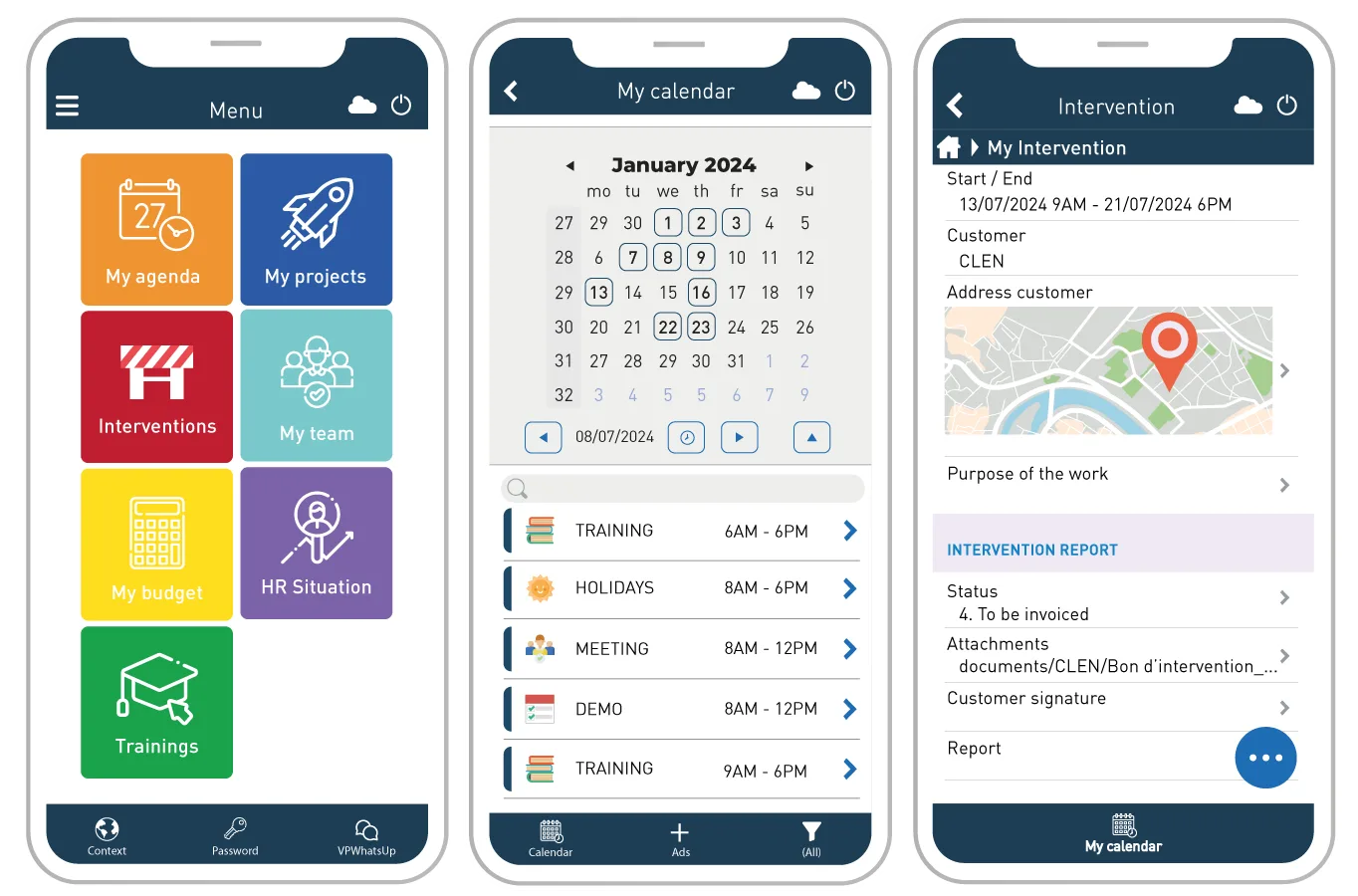
Screenshots
Visual Planning: its rates
VP DESK
€38.00
/month /user
VP PORTAL
€25.00
/month /user
VP GO
€9.00
/month /user
Customer reviews about Visual Planning
Appvizer calculates this overall rating to make your search for the best software easier. We've based it on user-generated verified reviews on industry-leading websites.