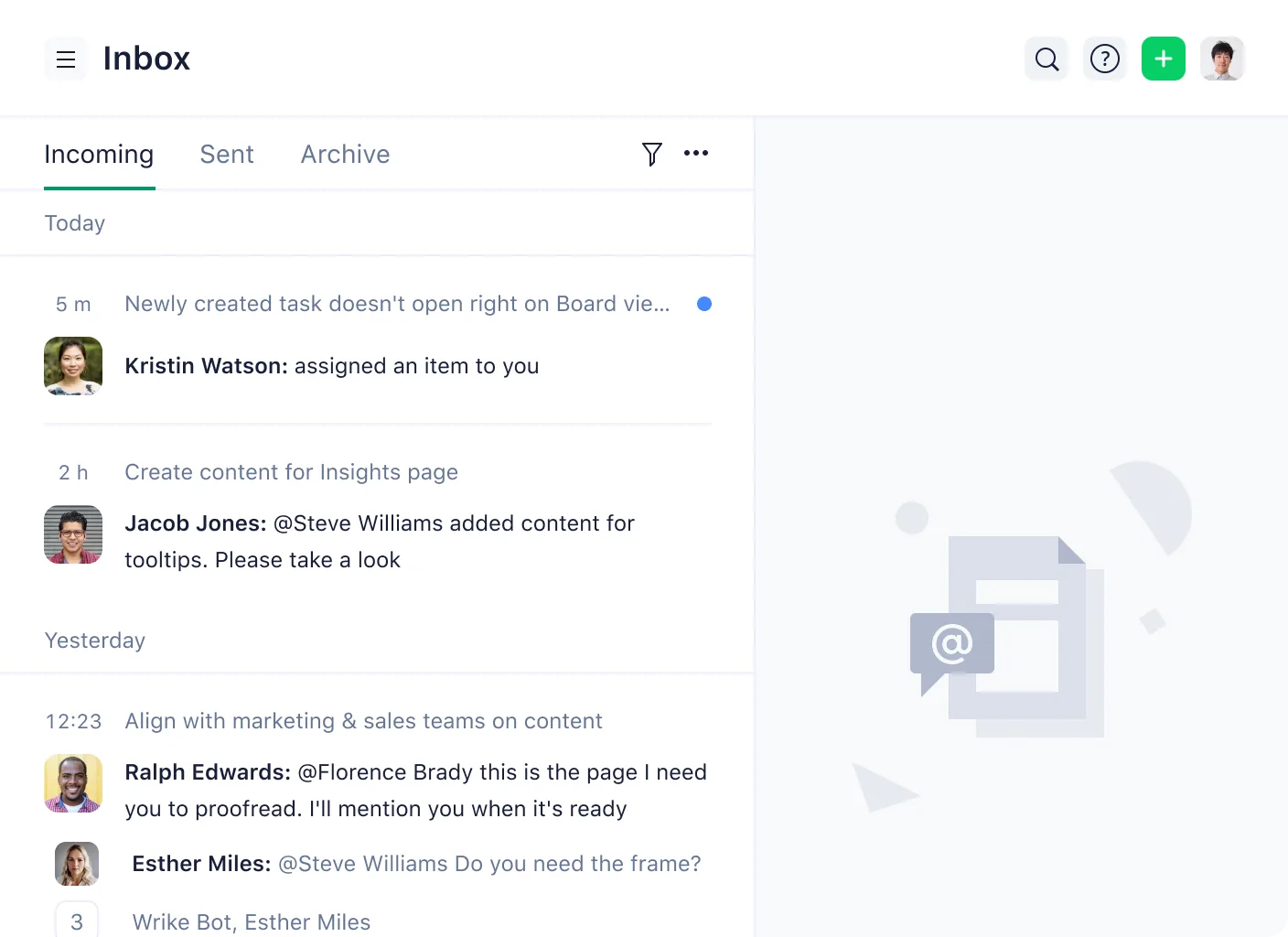
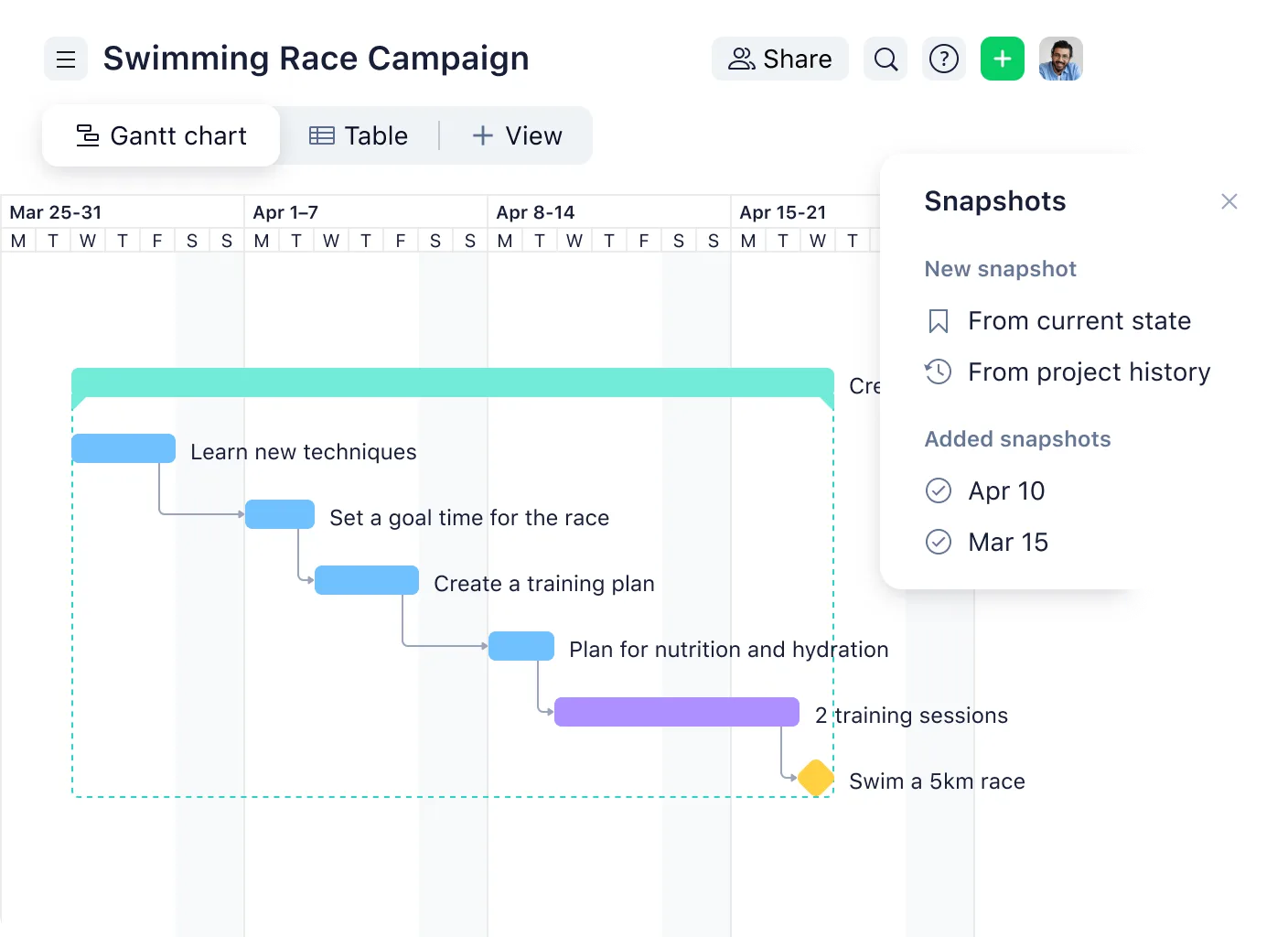
Wrike is more than just a versatile project management tool: it’s a collaborative work management (CWM) platform designed for mid-size to large enterprises (250+ employees) across industries such as marketing, manufacturing, and professional services. It helps cross-functional teams:
- coordinate complex workflows,
- streamline operations,
- and manage distributed work.
Wrike is used by project and program managers, marketing departments, R&D teams, creative professionals, and client service delivery teams. Its core strength lies in providing a unified workspace to plan, track, automate, and analyze projects in real-time, with high configurability for enterprise-scale needs.
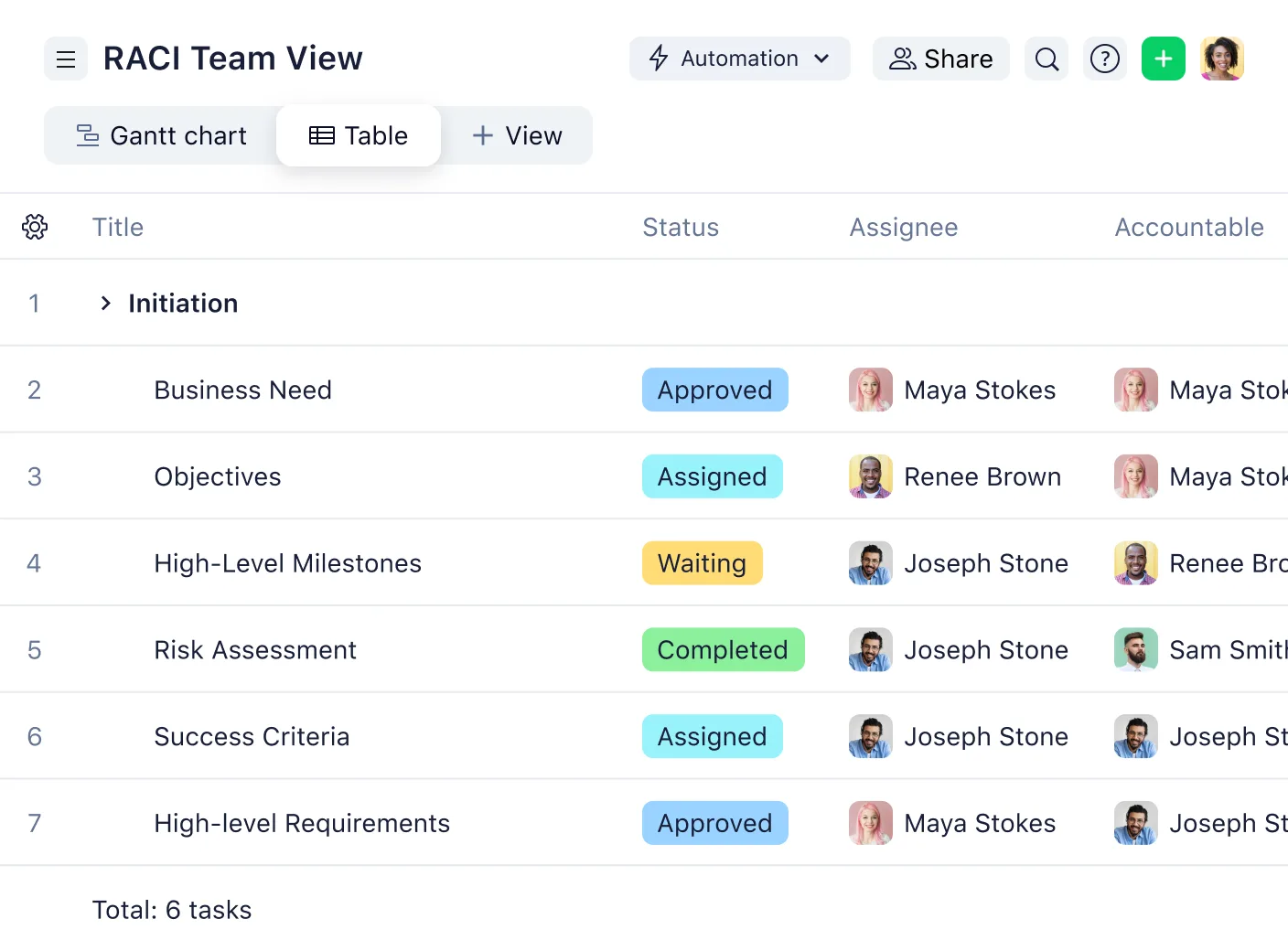
Wrike offers advanced project planning, team collaboration, workload balancing, and performance reporting capabilities. Recent enhancements include improved work automation, a redesigned Table View, and deeper integrations with platforms like SharePoint, Tableau, and Power BI. Unlike simpler project management tools, Wrike supports intricate use cases like product lifecycle management and client-facing service delivery.
What are the main features of Wrike?
Work Item Types for Customized Project Structuring
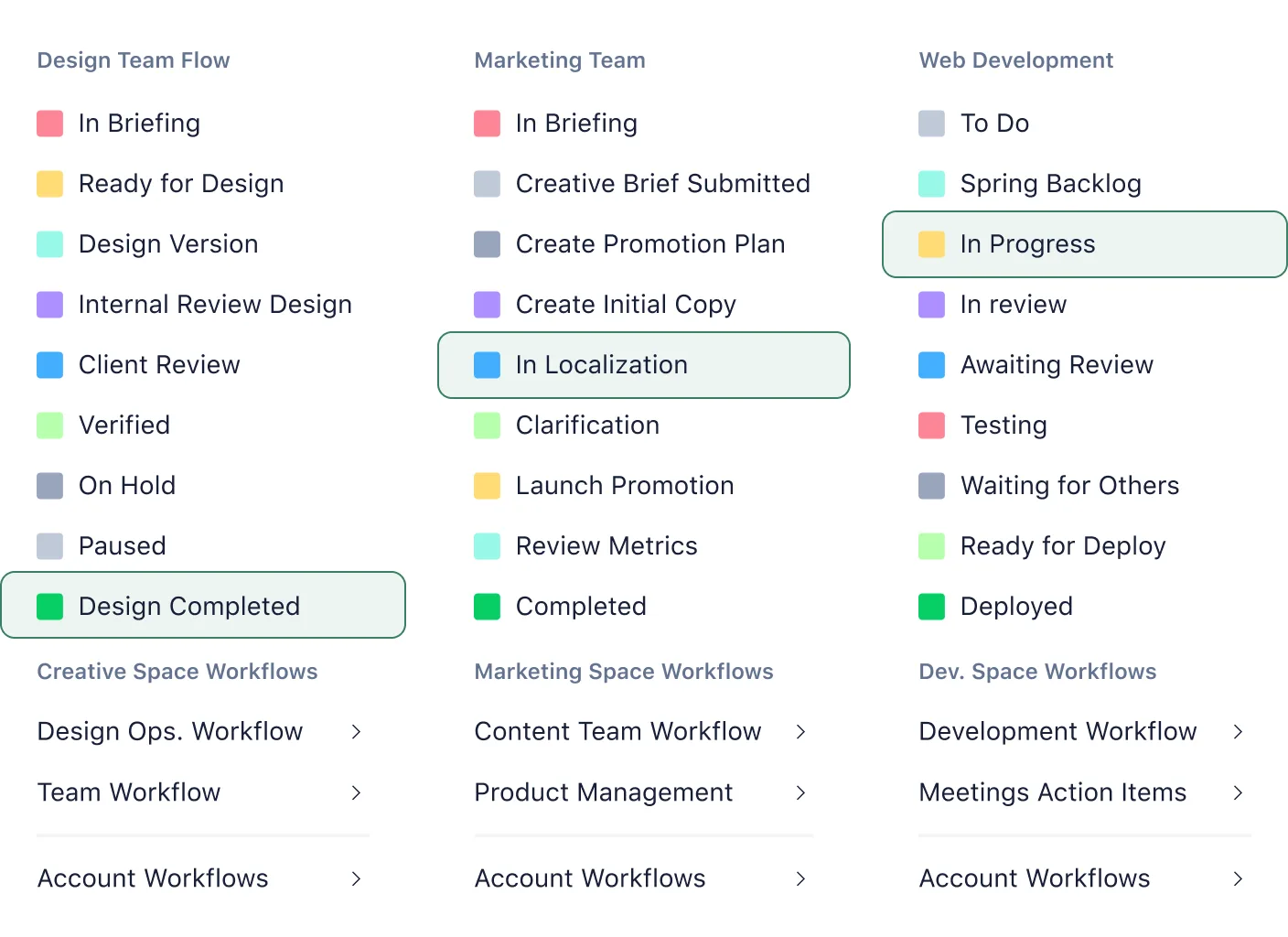
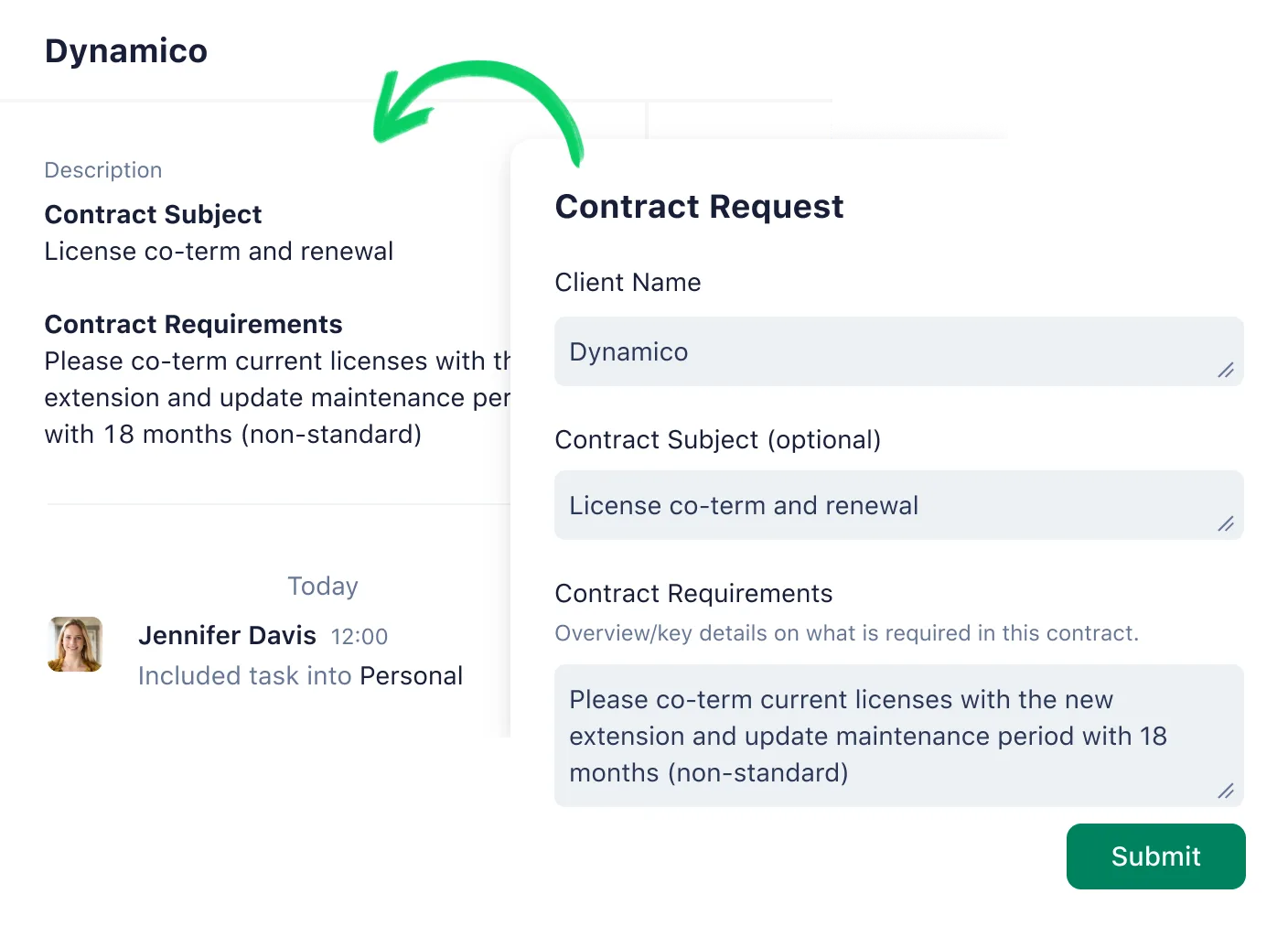
Wrike allows users to define flexible work item types beyond traditional tasks and projects. This feature supports custom workflows and naming conventions adapted to specific departmental processes, such as campaign briefs in marketing or test cases in engineering. Each item type can be uniquely structured, named, and tracked.
- Marketing: Campaign request forms, creative briefs
- Manufacturing: Product requirements, engineering change orders
- Professional Services: Client intake forms, deliverable checklists
Work Intelligence for Automation and Smart Recommendations
Wrike’s Work Intelligence suite includes AI-powered tools for smarter project management. It assists in prioritizing tasks, estimating effort, and detecting project risk using data from team behavior and historical trends. It also automates repetitive workflows via Wrike’s Automation Engine.
- Risk prediction for task delays
- Automated project progress notifications
- Smart subtasks generation based on templates
Custom Item Types and Field-Level Access Control
Custom Item Types (CITs) combined with Field-Level Permissions (introduced in Q1–Q2 2025) allow companies to tailor project structures while maintaining strict access to sensitive information. This ensures that only authorized users can view or edit certain fields, which is essential for compliance-heavy sectors.
- Engineering teams managing confidential prototypes
- Agencies protecting client budgets
- Pharma companies controlling regulatory data access
Cross-Space Collaboration and Unified Work Views
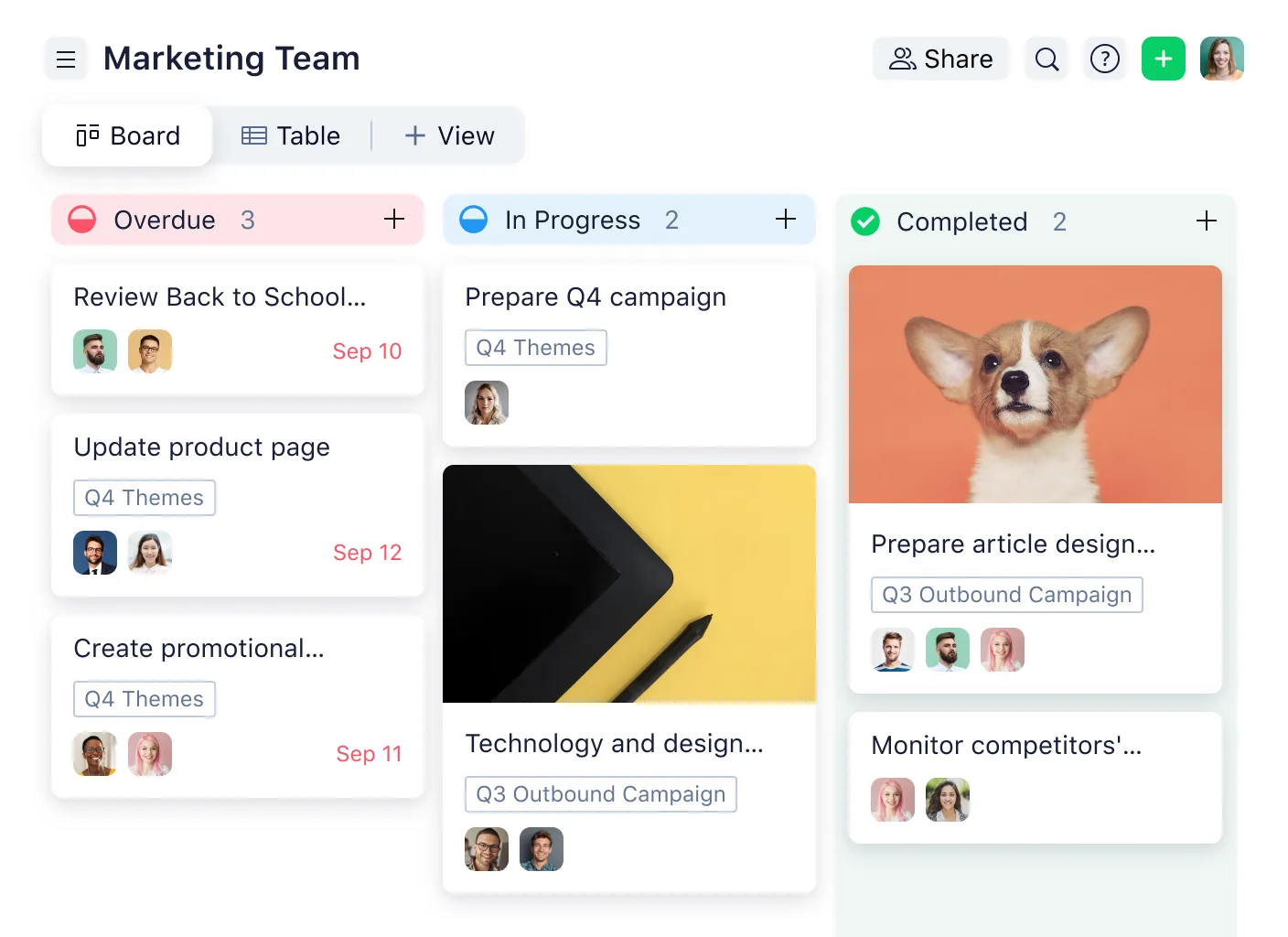
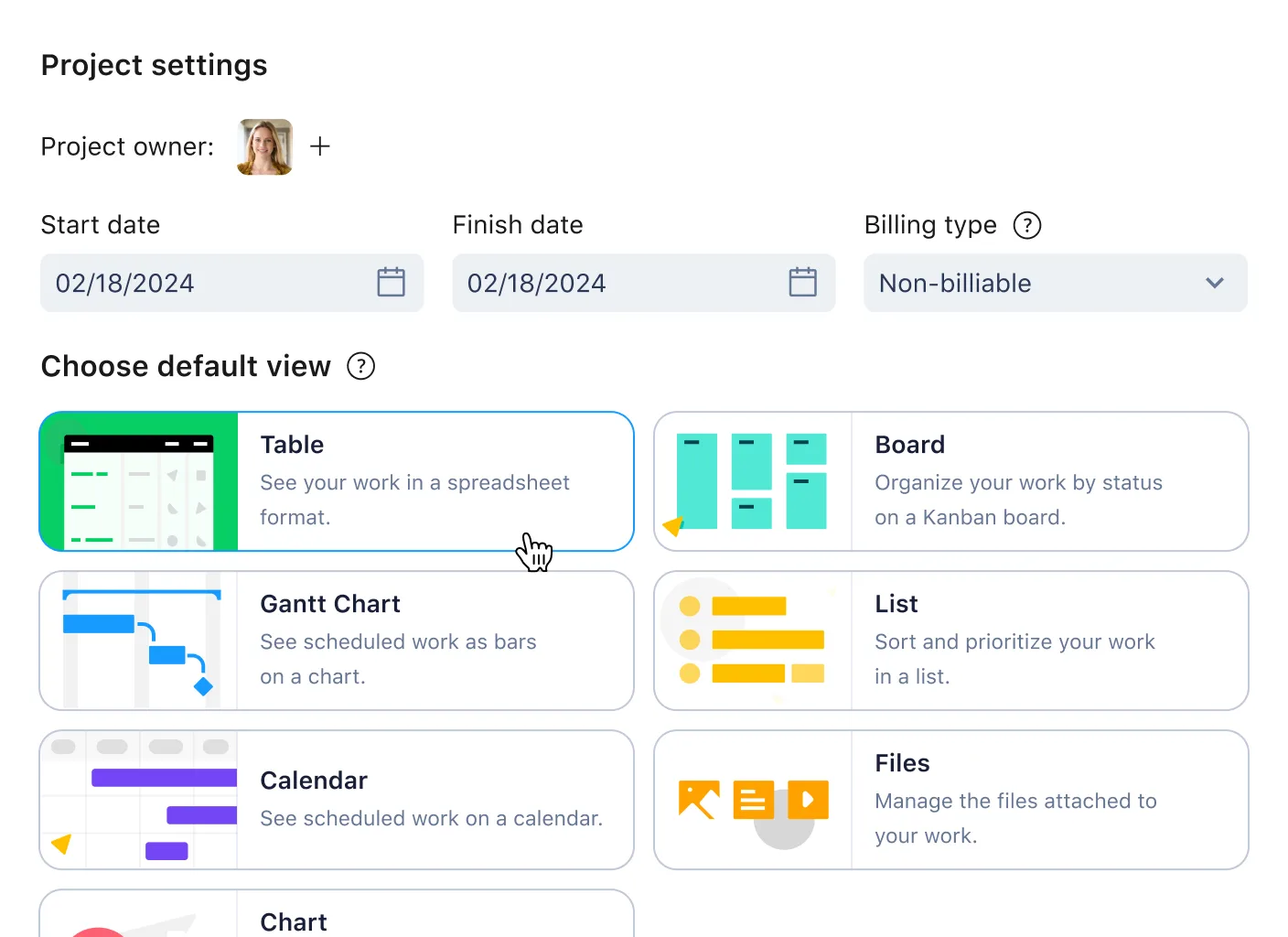
Wrike Spaces organize work by teams, clients, or departments. With the cross-space collaboration feature, users can share and link items across different spaces while retaining full control over permissions. The redesigned Table View (as of April 2025) provides a high-level snapshot with inline editing and sorting capabilities.
- A field marketing team coordinating events with product marketing
- External agencies accessing shared campaign folders
- Central PMO tracking tasks across product teams
Analytics, Dashboards and Business Intelligence Integrations
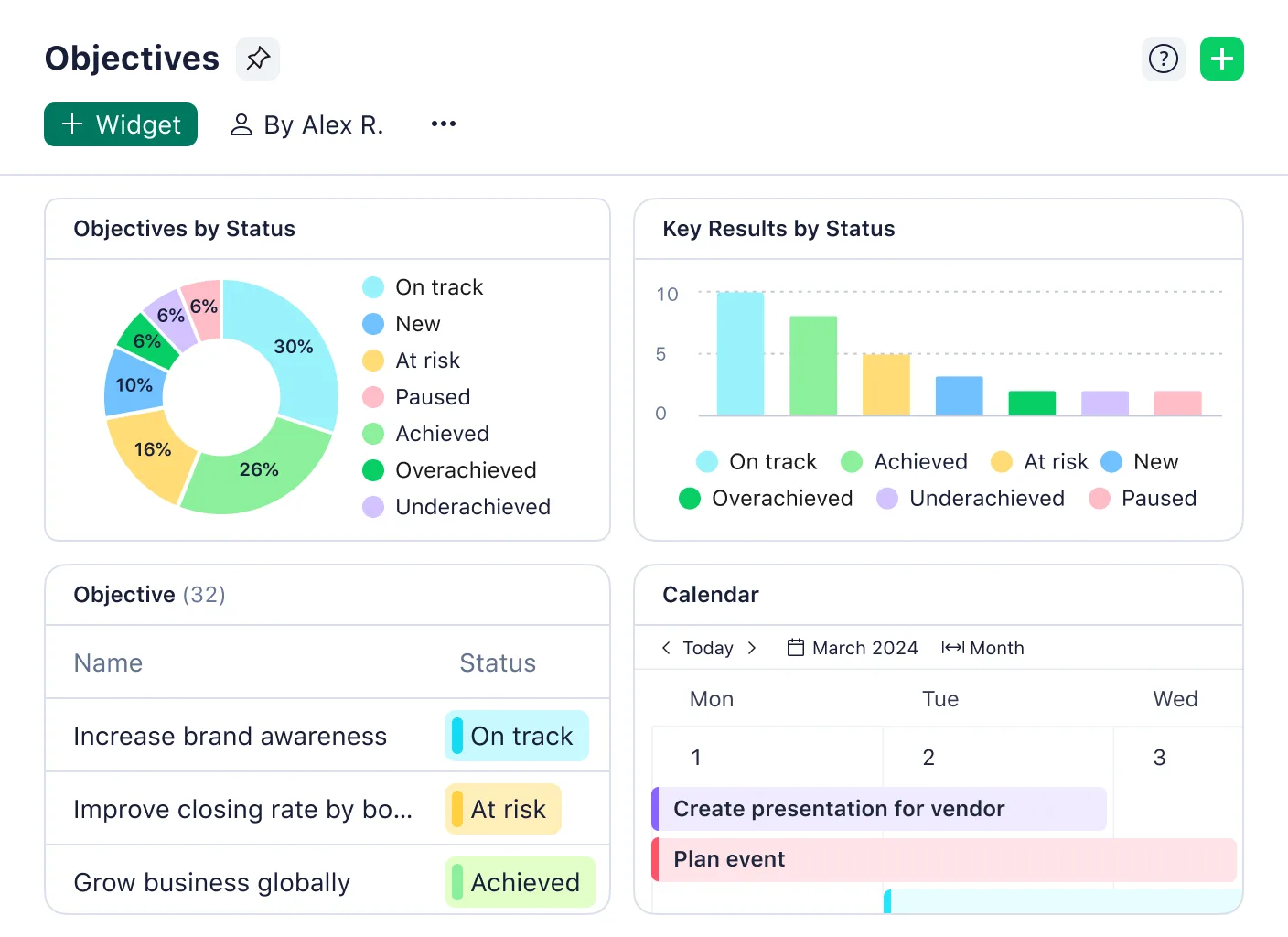
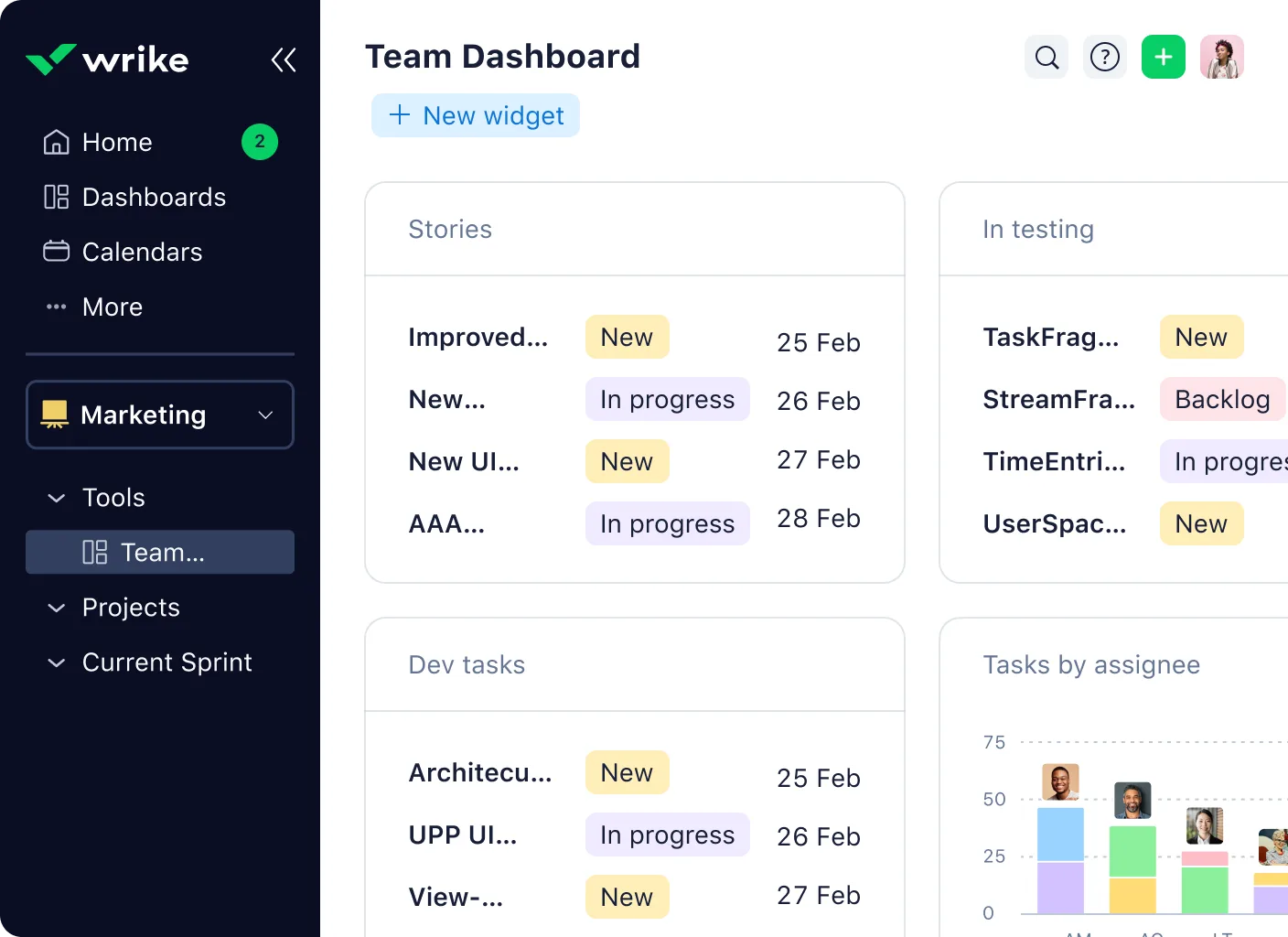
Wrike provides native dashboards and advanced analytics for real-time reporting. Users can create custom visualizations to track KPIs, budgets, or workload. With native connectors to Tableau, Power BI, and SharePoint (released in early 2025), data-driven decision-making is fully supported.
- Time-tracking and billable hour reports
- Marketing campaign performance dashboards
- Utilization analysis across engineering resources
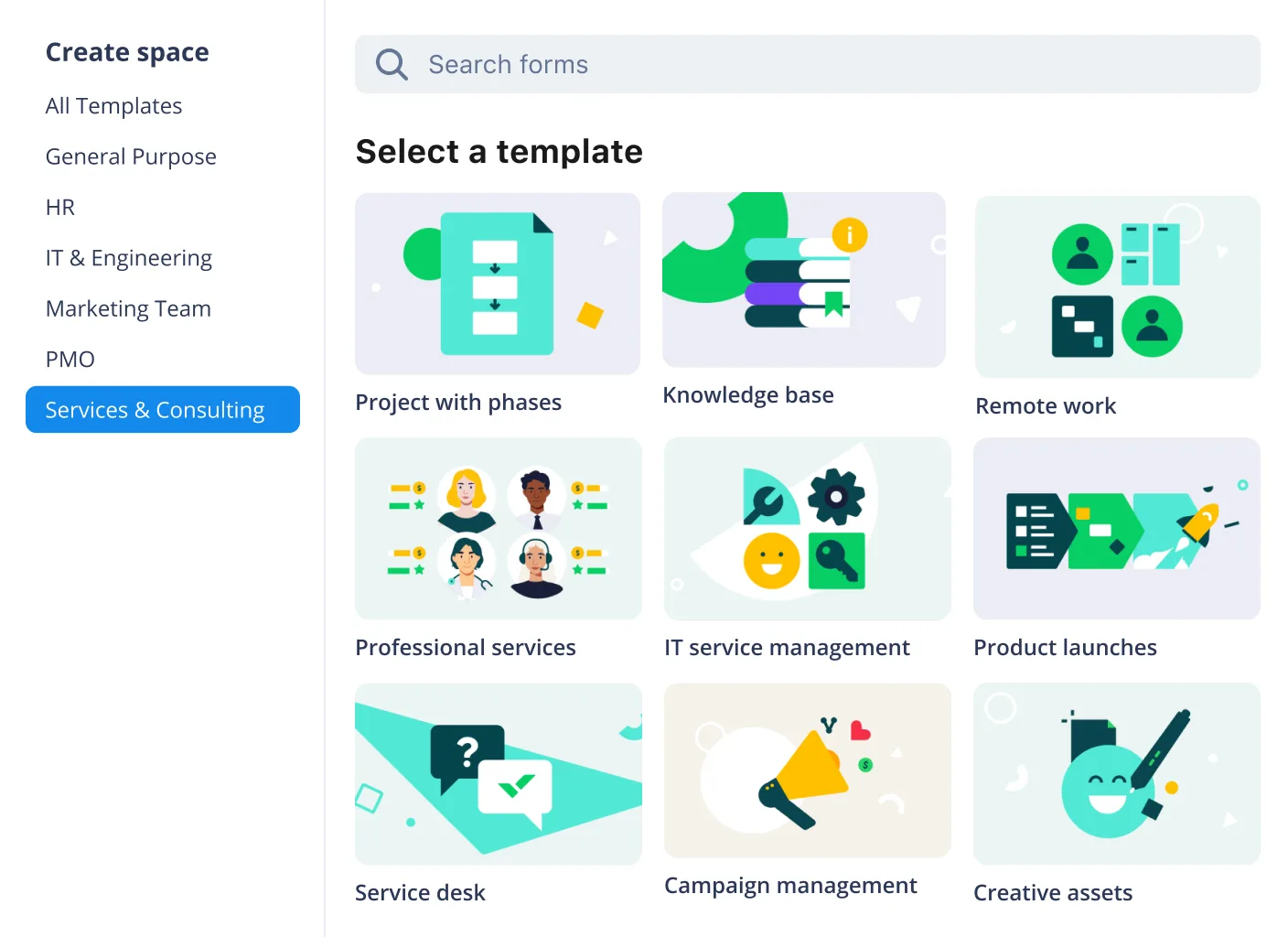
Templates, Blueprints, and Scenario Planning
Pre-built templates and blueprints accelerate project setup while maintaining process consistency. With Scenario Planning, teams can simulate different execution paths based on available resources or shifting deadlines—helpful for both marketing roadmaps and manufacturing schedules.
- Testing launch timelines under resource constraints
- Comparing multiple campaign plans
- Evaluating client delivery scenarios for services firms
Why choose Wrike?
- Enterprise-grade flexibility: Highly configurable project structures, custom workflows, and advanced permissions support diverse operational models across industries.
- Integrated ecosystem: Supports seamless integrations with tools like Microsoft Teams, SharePoint, Power BI, Slack, Salesforce, Adobe Creative Cloud, and Tableau.
- Cross-functional collaboration: Enables alignment across internal departments and external partners with clear ownership, shared timelines, and real-time updates.
- Scalability for complex operations: Adapts to enterprise needs from marketing campaign orchestration to manufacturing lifecycle management.
- Continuous innovation: Monthly platform updates ensure evolving capabilities in automation, intelligence, and user interface enhancements tailored to enterprise needs.