

Metatask : Streamline Your Workflow with Business Automation
Metatask: in summary
Metatask is designed to optimize workflow management for businesses across various industries. It empowers teams by offering automated task assignments and customizable workflows. Key features include integration capabilities and a user-friendly interface that sets it apart from competitors.
What are the main features of Metatask?
Automated Task Assignment
Optimize your team’s productivity with Metatask’s automated task assignment feature. This automated system ensures that every task is promptly assigned to the right team member, reducing the manual workload and enhancing efficiency.
- Assign tasks based on team members’ roles and availability
- Reduce manual oversight with automated processes
- Enhance task tracking and accountability
Customizable Workflows
Metatask offers fully customizable workflows to adapt to your business needs. Create workflows that mirror your current processes, ensuring a seamless transition from manual to automated systems.
- Design workflows tailored to specific business operations
- Implement changes quickly with an intuitive editor
- Reduce miscommunication with clear step-by-step guides
Integration Capabilities
Seamlessly connect Metatask with existing tools through its robust integration capabilities. Easily link Metatask to your CRM, email, and project management tools, creating a cohesive digital ecosystem for your business.
- Integrate with popular tools such as Slack and Google Workspace
- Enhance data flow and collaboration efficiency
- Reduce redundant processes by centralizing tasks
User-Friendly Interface
Navigate effortlessly through Metatask’s user-friendly interface designed for efficiency. The simplicity of the design ensures that team members spend less time learning the software and more time completing tasks.
- Enjoy intuitive drag-and-drop features
- Access real-time updates and visual dashboards
- Facilitate ease of use for all team members
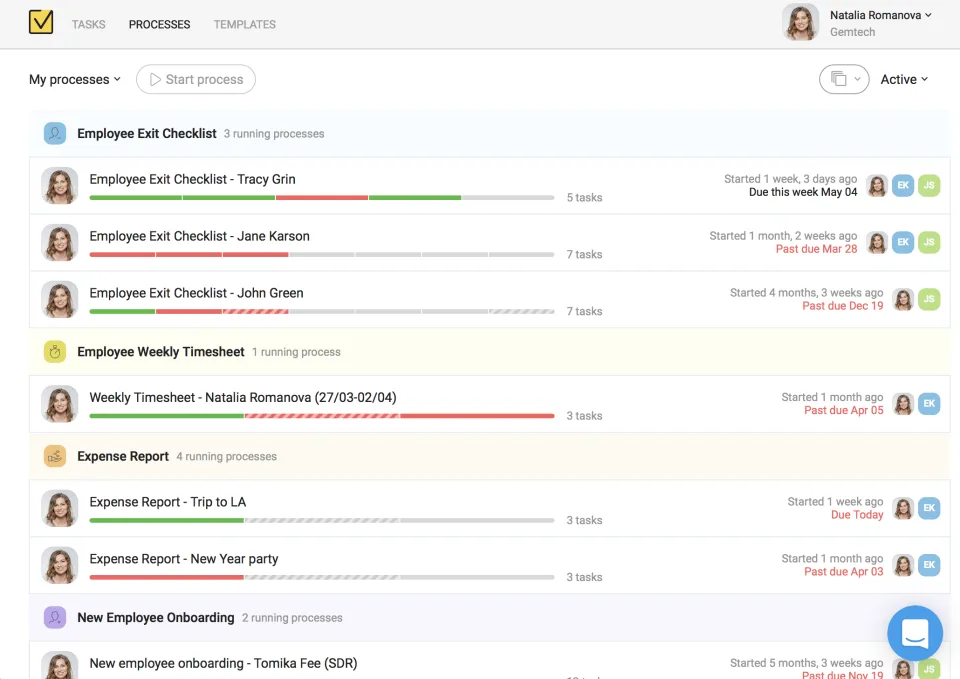
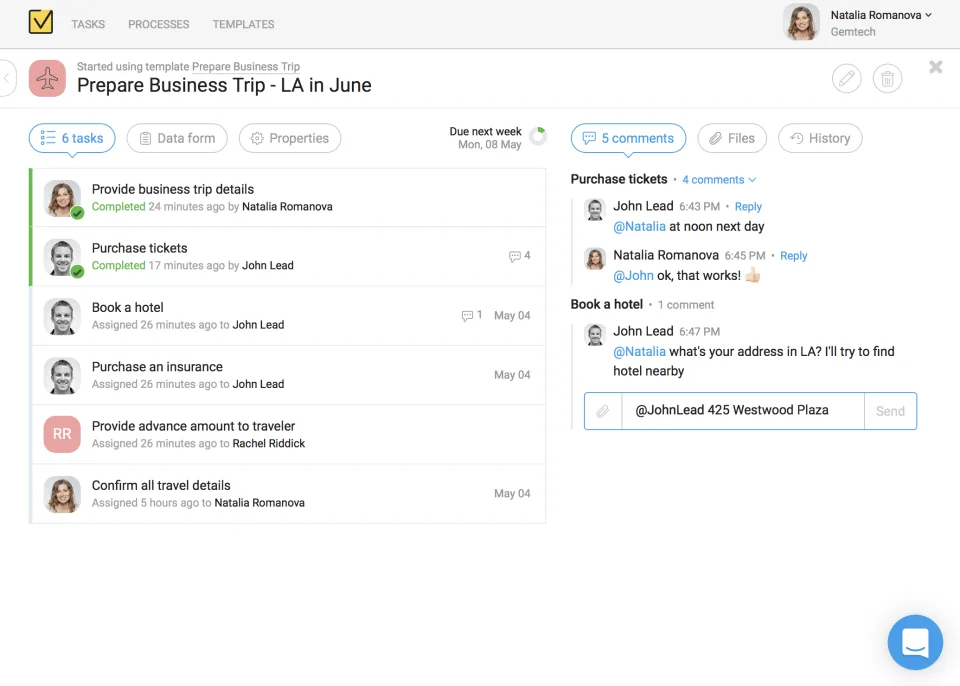
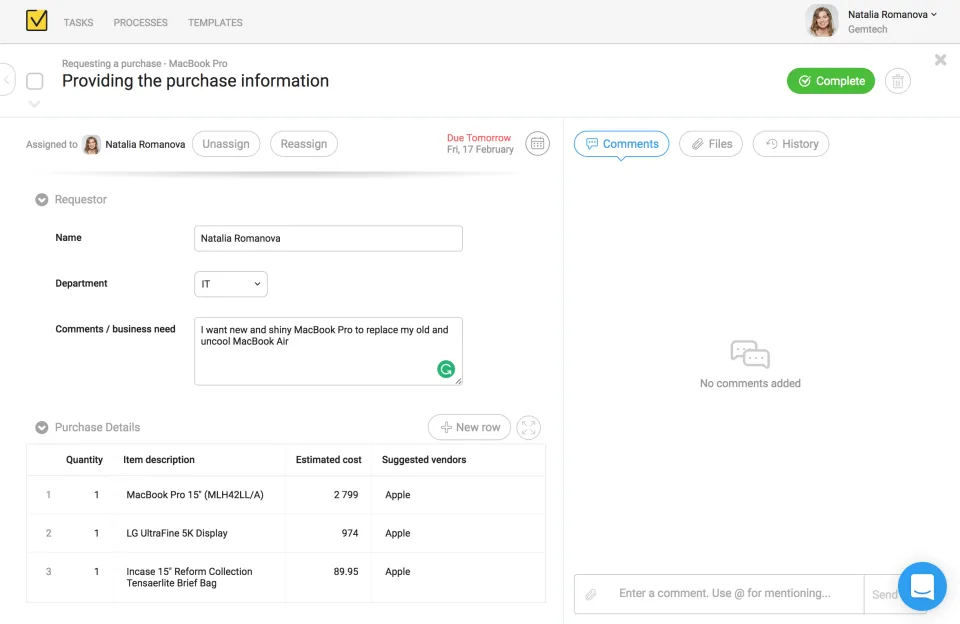
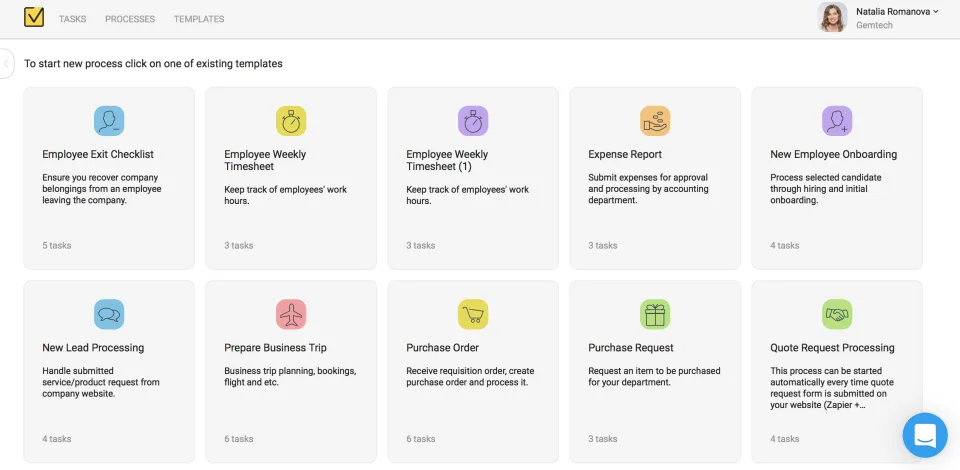
Screenshots

Metatask: its rates
standard
Rate
On demand
Customer reviews about Metatask
Appvizer calculates this overall rating to make your search for the best software easier. We've based it on user-generated verified reviews on industry-leading websites.