

InDesign CC : Unleash Creative Power with Professional Design Software
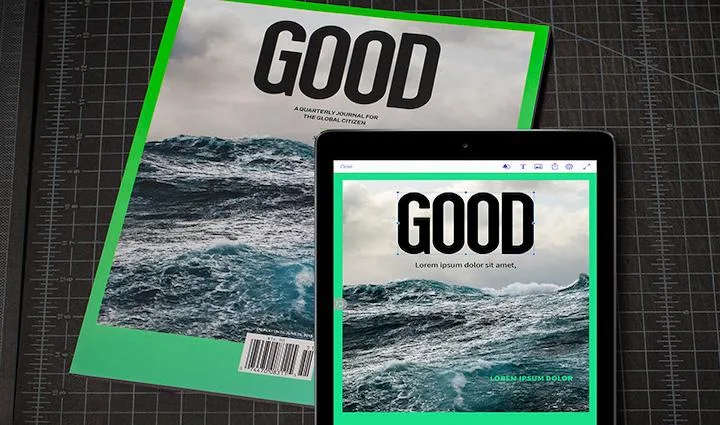
InDesign CC: in summary
Discover InDesign CC, a top-tier design software for professionals and creators looking to craft stunning layouts for print and digital media. Ideal for graphic designers and publishers, InDesign CC excels with its advanced typography, seamless integration with Adobe Cloud, and intuitive layout adjustments.
What are the main features of InDesign CC?
Advanced Typography Tools
Master the art of typography with InDesign CC’s comprehensive set of tools designed to enhance text aesthetics and readability in your projects.
- Create and customize styles for consistent typography across documents.
- Utilize optical margin alignment and kerning for professional-looking text layouts.
- Access Adobe Fonts directly within the platform for an expansive choice of typefaces.
Seamless Adobe Ecosystem Integration
Work smarter and faster with InDesign CC’s seamless integration within the Adobe Ecosystem.
- Sync your work across devices with Adobe Creative Cloud capabilities.
- Share files easily with team members using integrated Adobe collaboration tools.
- Import assets directly from other Adobe Creative apps, like Photoshop and Illustrator.
Intuitive Layout Adjustment Features
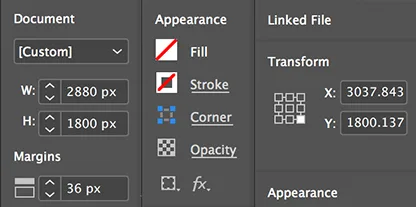
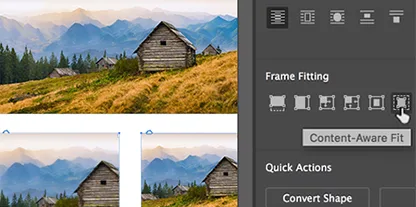
Enhance efficiency with InDesign CC’s layout features that allow for dynamic content adjustment and flexibility.
- Automatically adjust layouts when resizing documents using the Liquid Layout feature.
- Set flexible grids and guides for precise design alignment.
- Utilize adaptive interface features to streamline the design process.
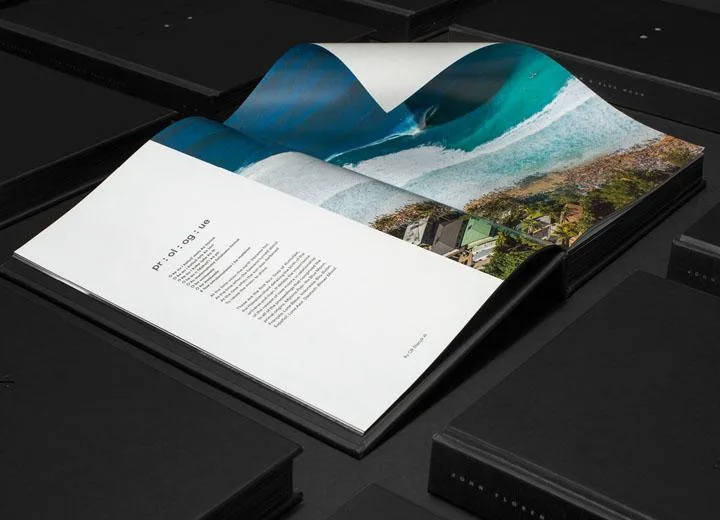
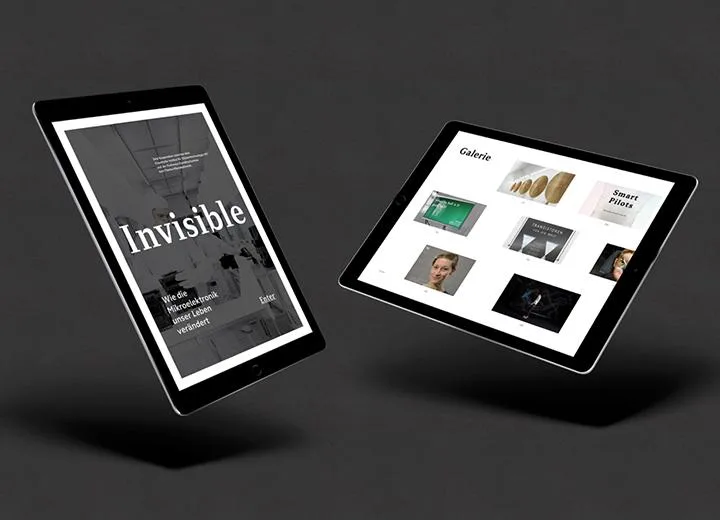
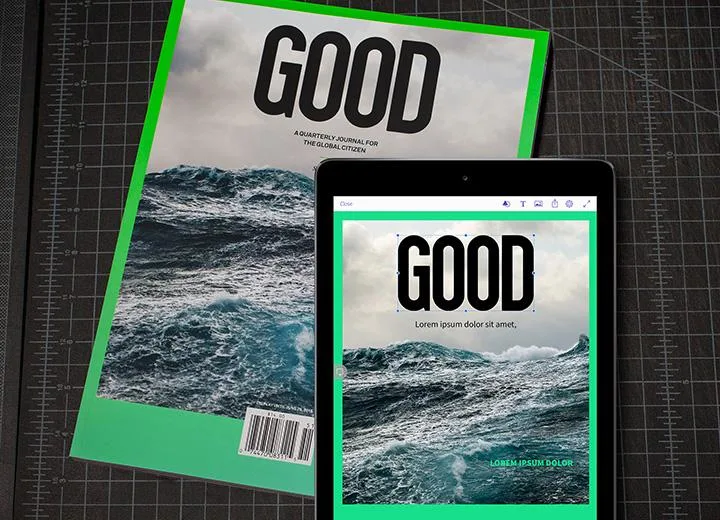
Screenshots

InDesign CC: its rates
Standard
Rate
On demand