

LegalWorks : Efficient Document Management for Legal Professionals
LegalWorks: in summary
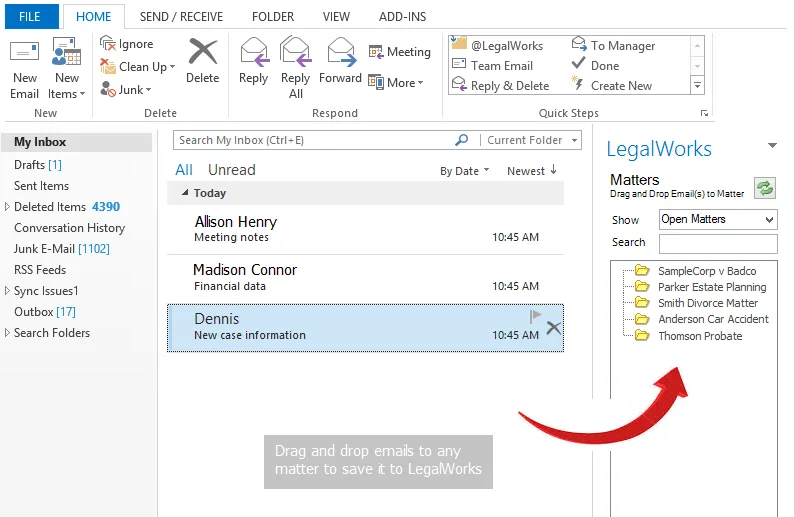
Designed for legal teams and firms, LegalWorks offers a comprehensive solution for managing legal documents with ease. This versatile software enhances collaborative work and provides streamlined document organization through features such as automated version control and intuitive search functionality.
What are the main features of LegalWorks?
Streamlined Document Organization
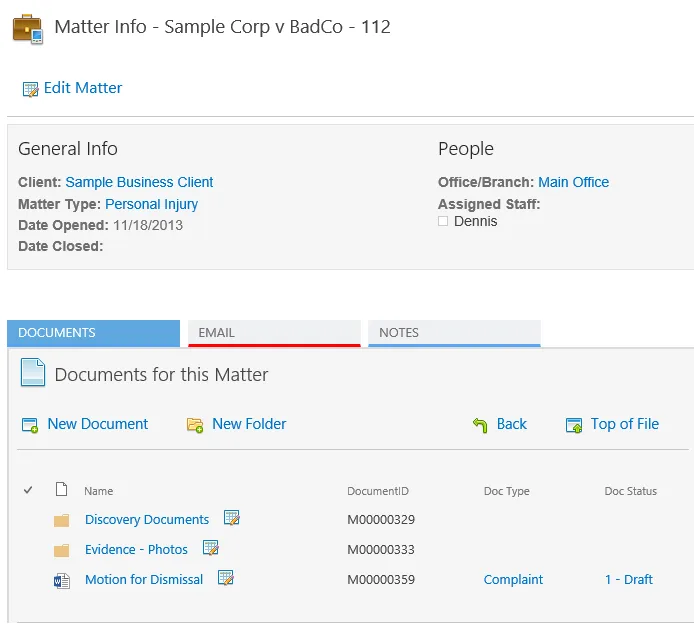
LegalWorks revolutionizes how legal teams manage their documentation by providing an intuitive organizational structure tailored to legal practices.
- Folder Structuring: Categorize documents with customizable folder hierarchies.
- Tagging System: Implement a flexible tagging system for quick document retrieval.
- Automatic Sorting: Utilize automated sorting based on file type or client case.
Automated Version Control
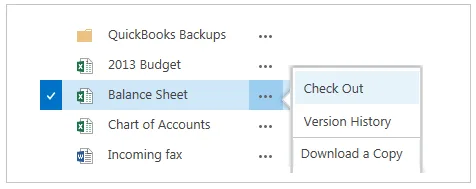
Maintain clarity and order with LegalWorks’ automated version control, ensuring your legal team always accesses the most current document version.
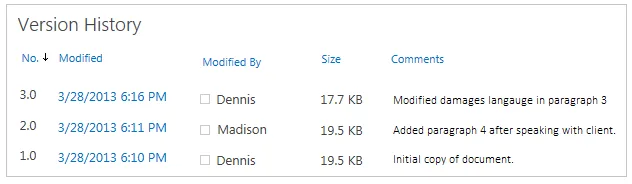
- Version History: Track and manage document changes over time.
- Restore Previous Versions: Easily revert to prior document versions when necessary.
- Conflict Resolution: Automatic alerts for potential version conflicts.
Advanced Search Capabilities
LegalWorks offers powerful search functionalities for quick document discovery, enhancing productivity and saving valuable time.
- Full-Text Search: Search within document contents, not just file names.
- Filtered Searches: Narrow searches through advanced filters like date range or document type.
- Search History: Revisit and utilize past search queries for efficiency.
Screenshots
LegalWorks: its rates
standard
Rate
On demand
Customer reviews about LegalWorks
Appvizer calculates this overall rating to make your search for the best software easier. We've based it on user-generated verified reviews on industry-leading websites.