

Framer : Innovative Design Prototyping Software for Creatives
Framer: in summary
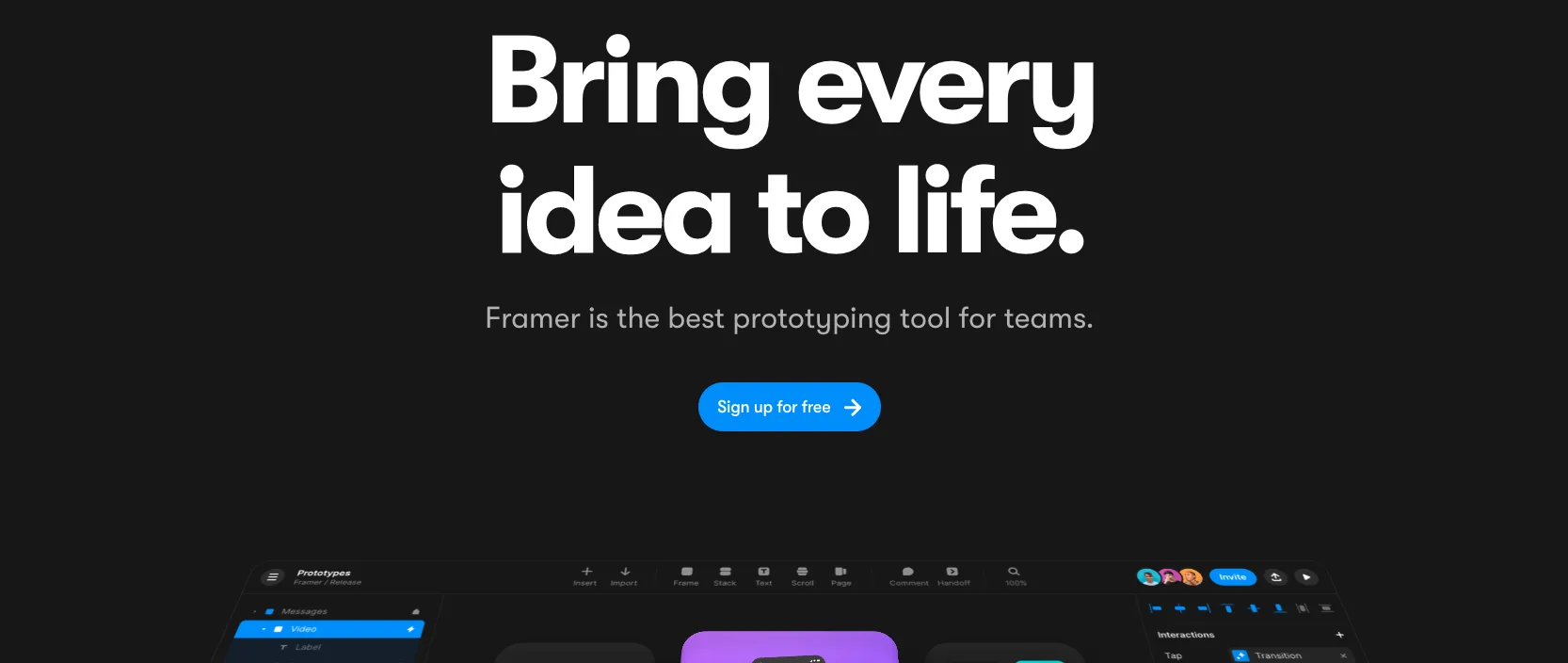
Framer is the go-to design prototyping software for creative professionals seeking to transform their ideas into interactive, high-fidelity mockups. Perfect for designers, developers, and teams, Framer excels in intuitive collaboration, rapid prototyping, and responsive design capabilities.
What are the main features of Framer?
Interactive Prototyping
Framer empowers users to build interactive and dynamic prototypes effortlessly. With its drag-and-drop interface and wide range of pre-built components, it allows users to create engaging and fully functional prototypes that feel real.
- Drag-and-drop interface for ease of use.
- Wide range of customizable components.
- Real-time interaction design features.
Collaborative Environment
Framer fosters teamwork by providing a collaborative environment, allowing multiple team members to work simultaneously on projects. This feature ensures seamless communication, brainstorming, and feedback sharing.
- Real-time collaboration for teams.
- Feedback tools integrated directly into the design workflow.
- Version control to track changes and updates.
Responsive Design Tools
With Framer, creators can design projects that adapt to various screen sizes and devices. Its responsive tools make it easy to ensure that your designs look great on any device, enhancing the user experience.
- Flexible design canvas to support multiple screen sizes.
- Easily switch and preview designs for different devices.
- Automatic adjustments for responsive design elements.
Framer: its rates
Standard
Rate
On demand
Customer reviews about Framer
Appvizer calculates this overall rating to make your search for the best software easier. We've based it on user-generated verified reviews on industry-leading websites.