
CMDBuild : Optimize IT Asset Management with CMDBuild
CMDBuild: in summary
CMDBuild is an innovative IT asset management solution designed for businesses aiming to streamline operations. Serving enterprises and IT departments, it stands out with advanced configuration capabilities, intuitive workflow management, and seamless integration with third-party applications.
What are the main features of CMDBuild?
Powerful Configuration Tools
CMDBuild offers robust configuration tools that empower users to tailor the software according to their specific needs. With its flexible data model and configuration options, IT departments can efficiently adapt the system to their evolving requirements.
- Dynamic data modeling
- Customizable attribute fields
- User-defined processes and services
Efficient Workflow Management
Streamline your organization’s processes with CMDBuild’s efficient workflow management feature. Designed to centralize procedures, this tool enhances operational efficiency by ensuring smooth execution and monitoring of routine tasks.
- Graphical workflow designer
- Automated task scheduling
- Transparent progress tracking and reporting
Seamless Integration Capabilities
CMDBuild excels in integrating with existing systems and third-party applications, minimizing disruptions and maximizing the utility of your current tech stack. This feature facilitates enhanced collaboration across various platforms.
- SOAP/REST web services
- Pre-built connectors for popular applications
- Support for XML, CSV, and other data formats
CMDBuild redefines IT asset management by offering unparalleled customization, improving operational efficiencies while fostering integration with existing systems.
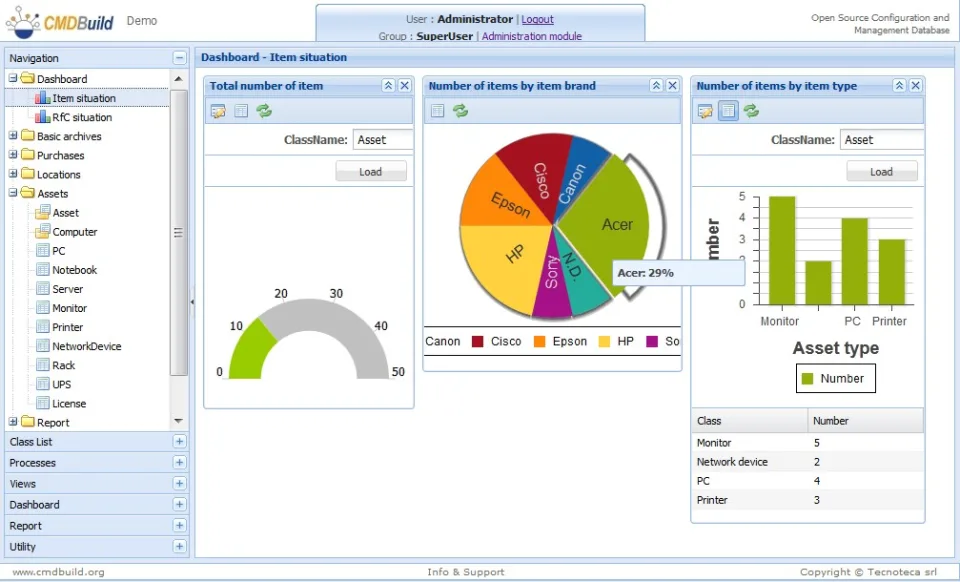
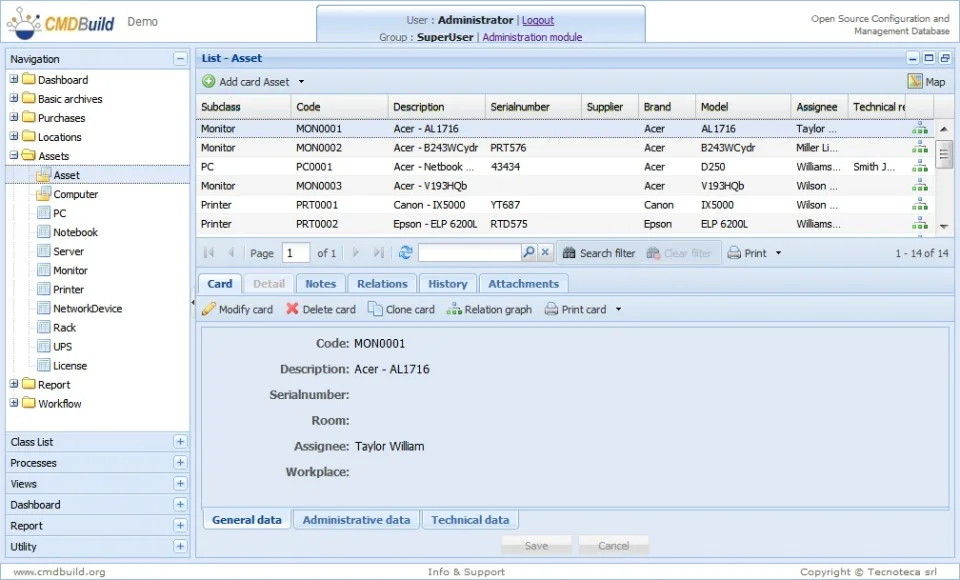
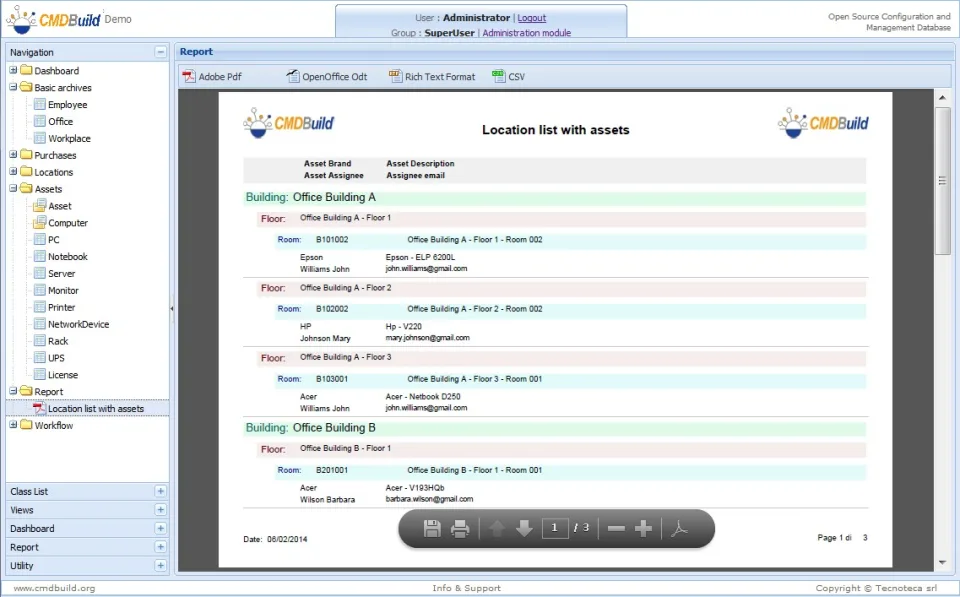
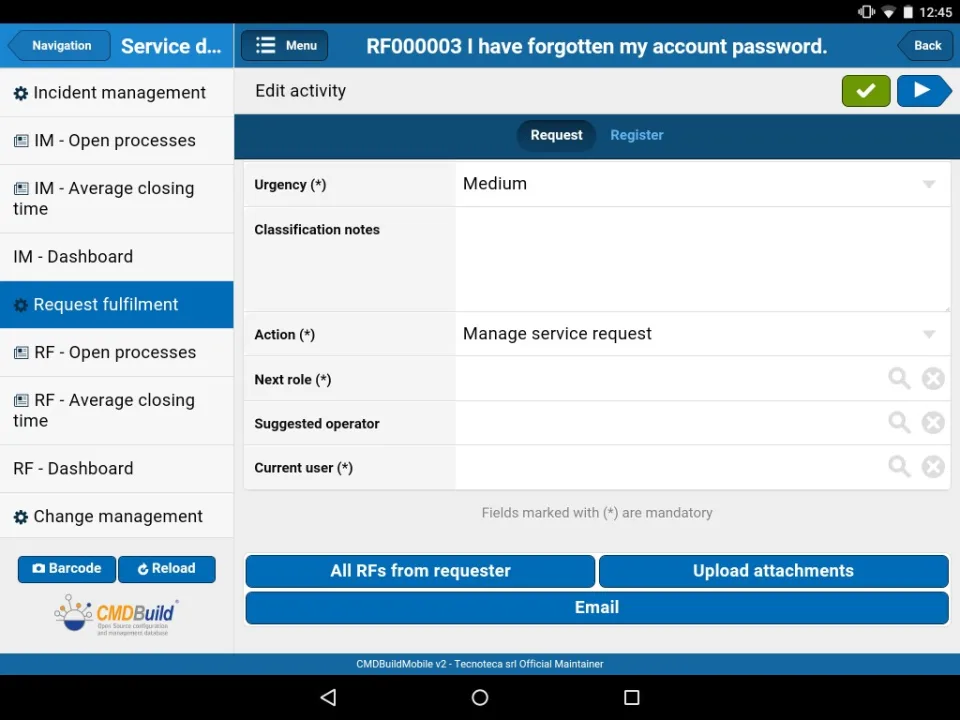
Screenshots
CMDBuild: its rates
standard
Rate
On demand
Customer reviews about CMDBuild
Appvizer calculates this overall rating to make your search for the best software easier. We've based it on user-generated verified reviews on industry-leading websites.