

Viewpoint for Field View : Enhance Construction Project Management Efficiencies
Viewpoint for Field View: in summary
Viewpoint for Field View is a construction management software tailored for construction professionals seeking streamlined workflows and better task coordination. Key features include dynamic task management, real-time collaboration, and comprehensive reporting capabilities, setting it apart from competitors.
What are the main features of Viewpoint for Field View?
Dynamic Task Management
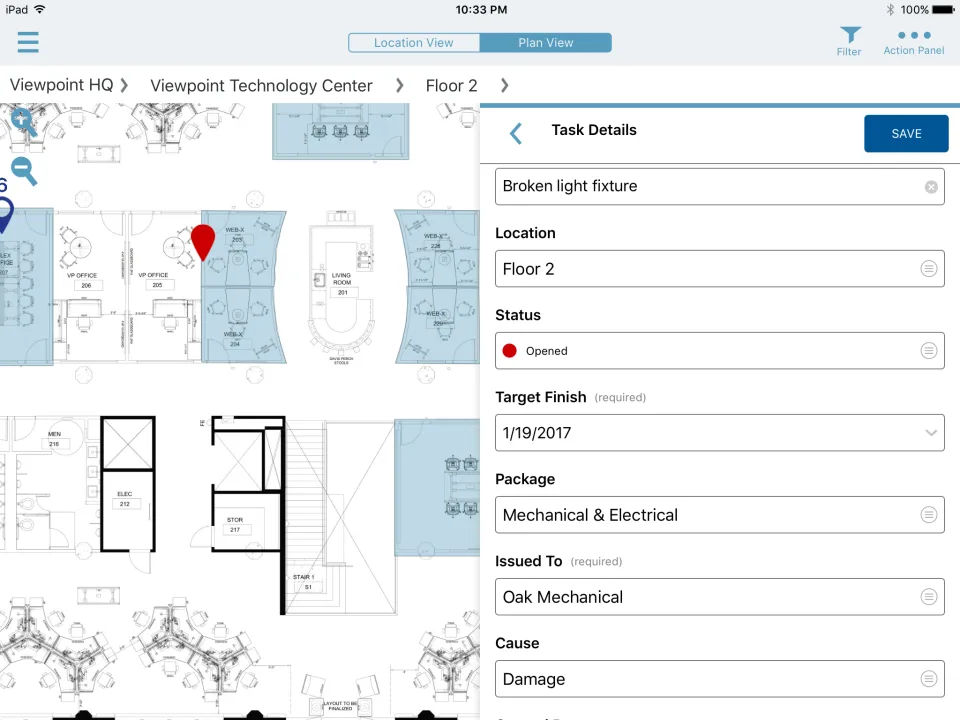
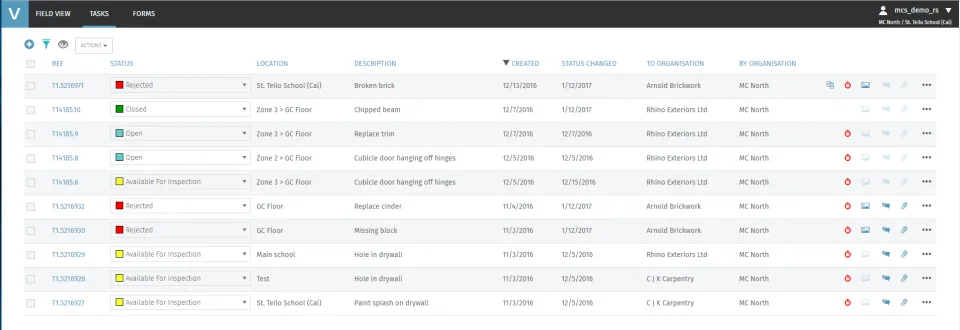
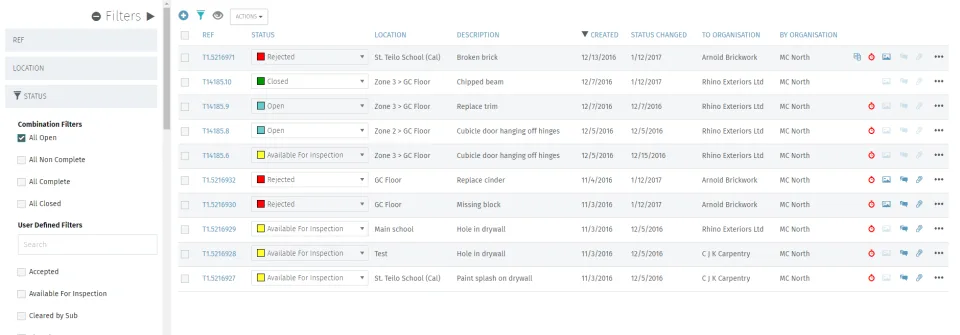
Efficient task management is the cornerstone of successful construction projects. Viewpoint for Field View offers a robust system to handle task assignments, progress tracking, and updates with ease.
- Centralized Task Repository: Manage all tasks in one place for quick access and delegation.
- Priority Setting: Highlight critical tasks to ensure timely attention and completion.
- Progress Tracking: Monitor task status in real-time and adjust workflows as needed.
Real-Time Collaboration
In construction projects, effective communication is vital. Viewpoint for Field View allows teams to collaborate instantly, ensuring everyone stays informed and synchronized.
- Instant Notifications: Keep teams updated on project changes and developments through instant alerts.
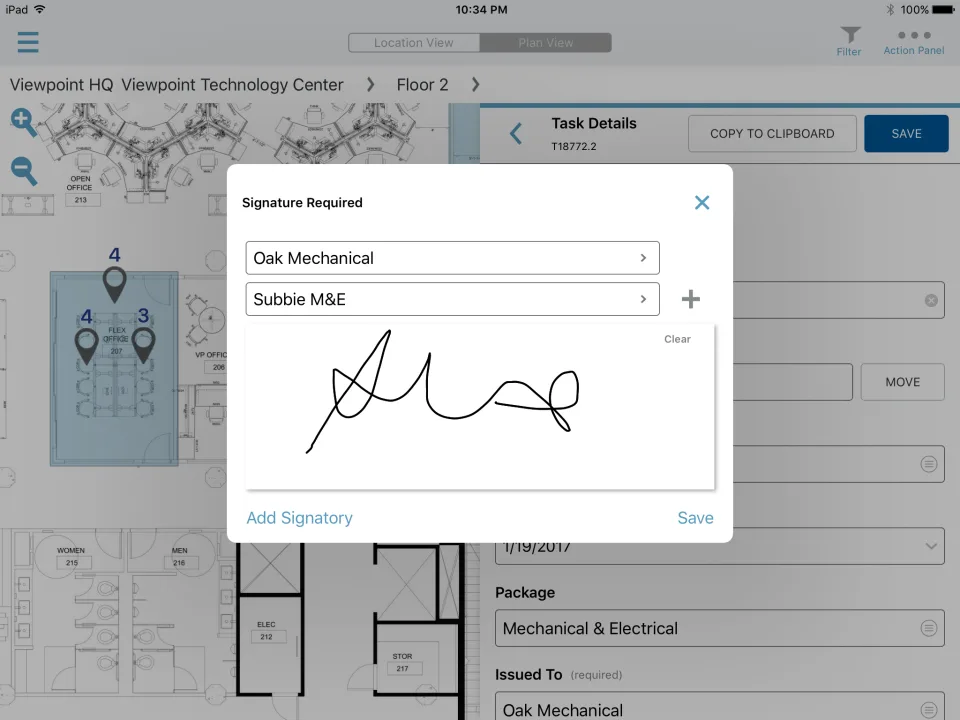
- Document Sharing: Seamlessly share plans, drawings, and other critical documents among team members.
- Chat Features: Engage in direct communication with team members to resolve issues swiftly.
Comprehensive Reporting Capabilities
Insightful reports are crucial for decision-making and planning. Viewpoint for Field View provides extensive reporting options to help you analyze project progress and outcomes effectively.
- Customizable Reports: Design reports that cater to specific project or management needs.
- Data Visualization: Use charts and graphs to understand data trends and project standings.
- Performance Metrics: Track key performance indicators to measure project success and identify areas for improvement.
Screenshots
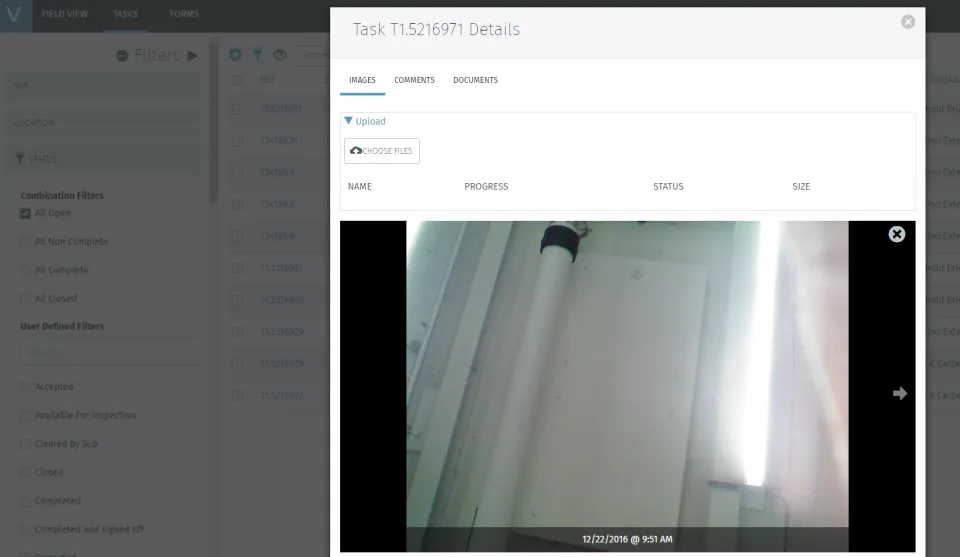
Viewpoint for Field View: its rates
standard
Rate
On demand