

Canvid : Make High-Quality Screen Videos Using Smart Technology

Canvid: in summary
Canvid is a desktop screen recording software designed for professionals, educators, developers, and content creators who need to produce polished video content without video editing expertise. Available for Windows and macOS, it offers features like AI-enhanced voice, auto-captions, and background removal to streamline the creation of tutorials, product demos, and presentations. Canvid distinguishes itself with its intuitive interface and automation capabilities, enabling users to produce high-quality videos efficiently.
What are the main features of Canvid?
One-click screen recording
Canvid simplifies the recording process with:
- Full-screen or window capture: Record your entire screen or select specific windows.
- Upcoming mobile content recording: Future support for mobile content capture.
- Ideal for various use cases: Suitable for tutorials, demos, and presentations.
Flexible export options
After recording, Canvid provides multiple export choices:
- Format selection: Export videos as MP4, GIF, and more.
- Quality adjustment: Choose from standard to 4K resolution.
- Cloud integration: Save locally or upload to the cloud for easy sharing via a link.
AI-enhanced voice and auto-captions
Enhance audio and accessibility with:
- AI voice enhancement: Improve audio clarity automatically.
- Automatic caption generation: Create captions for better accessibility and engagement.
- Real-time editing: Modify captions on the fly to ensure accuracy.
Built-in editing tools
Canvid offers essential editing functionalities:
- Cropping and layout adjustments: Modify video framing and layout.
- Zoom capabilities: Highlight specific areas within the recording.
- User-friendly interface: Designed for users without prior video editing experience.
Advanced camera controls
Customize your webcam feed with:
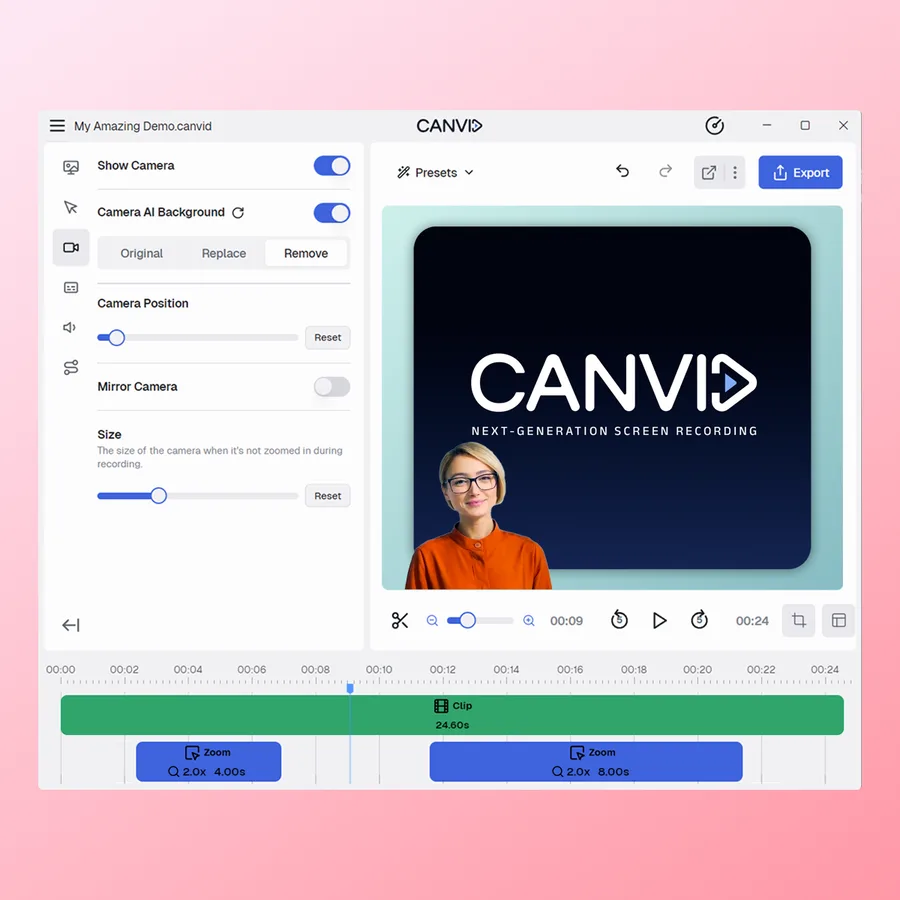
- Dynamic framing: Shift, flip, or resize the camera view during recording.
- Visual enhancements: Apply effects like softened edges and mirrored views.
- Precise positioning: Fine-tune camera placement for seamless integration with screen content.
Why choose Canvid?
- User-friendly design: Intuitive interface suitable for users without video editing skills.
- AI-powered features: Automated enhancements for audio and captions streamline the creation process.
- Versatile export options: Support for various formats and resolutions, including 4K.
- Integrated editing tools: Basic editing capabilities eliminate the need for additional software.
- Customizable camera features: Advanced controls for a professional appearance in recordings.
Its benefits
- AI-Enhanced Audio
- Automatic Zoom
- User-Friendly Interface
- Quick Sharing
- Cross-Platform Compatibility
Screenshots
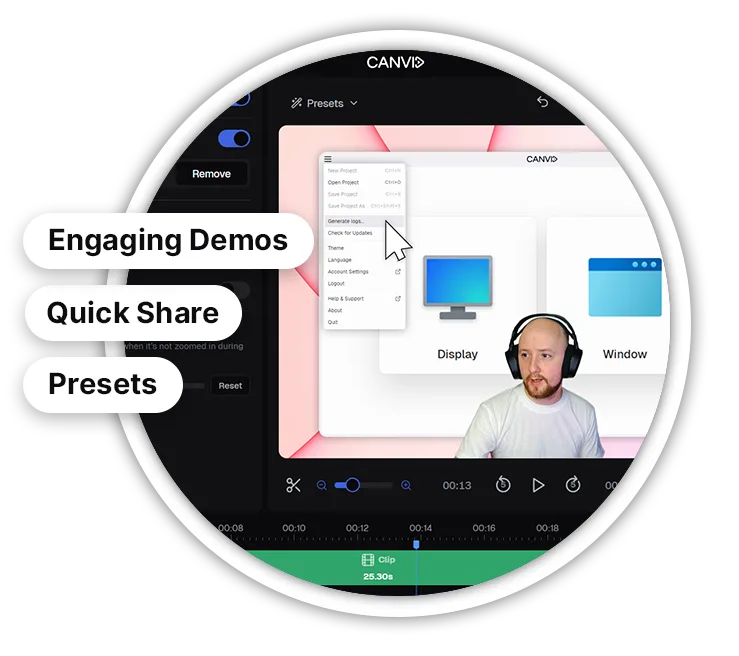
Canvid: its rates
standard
€99.00
/user
Standard
€15.00
/month /user