

Receipt : Streamline Expense Management with Receipt Software
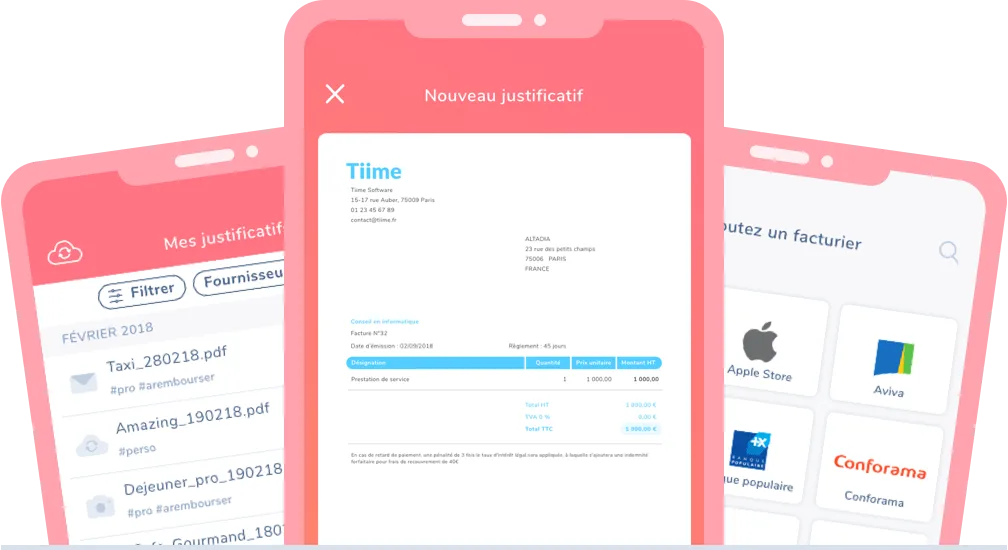
Receipt: in summary
Receipt streamlines expense management for busy professionals seeking efficiency. Ideal for small to midsize businesses, it automates receipt scanning, tracks expenses, and integrates with major accounting tools, providing a seamless experience that outpaces the competition.
What are the main features of Receipt?
Automated Receipt Scanning
The automated receipt scanning feature leverages advanced OCR technology, making manual data entry a thing of the past and increasing efficiency.
- Instantly scans and digitizes paper receipts
- Extracts critical expense details with precision
- Reduces errors compared to manual input
- Seamlessly syncs data to your accounting software
Expense Tracking
Receipt’s expense tracking feature is designed to simplify the monitoring of personal and business expenses, keeping you informed with minimal effort.
- Aggregates all expenses in one place
- Generates visual reports for easy analysis
- Supports multi-currency tracking for international business
- Notifications and reminders for timely expense filing
Integration with Accounting Software
Receipt offers seamless integration with major accounting platforms, bridging the gap between receipt management and financial reporting.
- Flawlessly connects with leading accounting tools like QuickBooks and Xero
- Simplifies data sharing between finance teams
- Eliminates redundant data entry through real-time syncs
- Enhances financial accuracy and insight with integrated workflows
Receipt: its rates
Gratuit
Rate
On demand