Invoice
Bwire Godfrey, January 10, 2024
Easy to create invoices send to clicks through emails


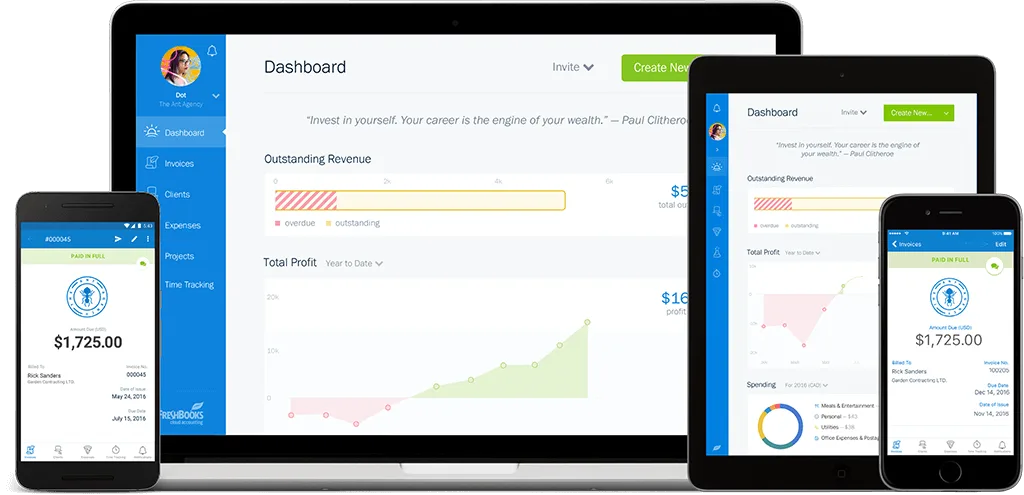
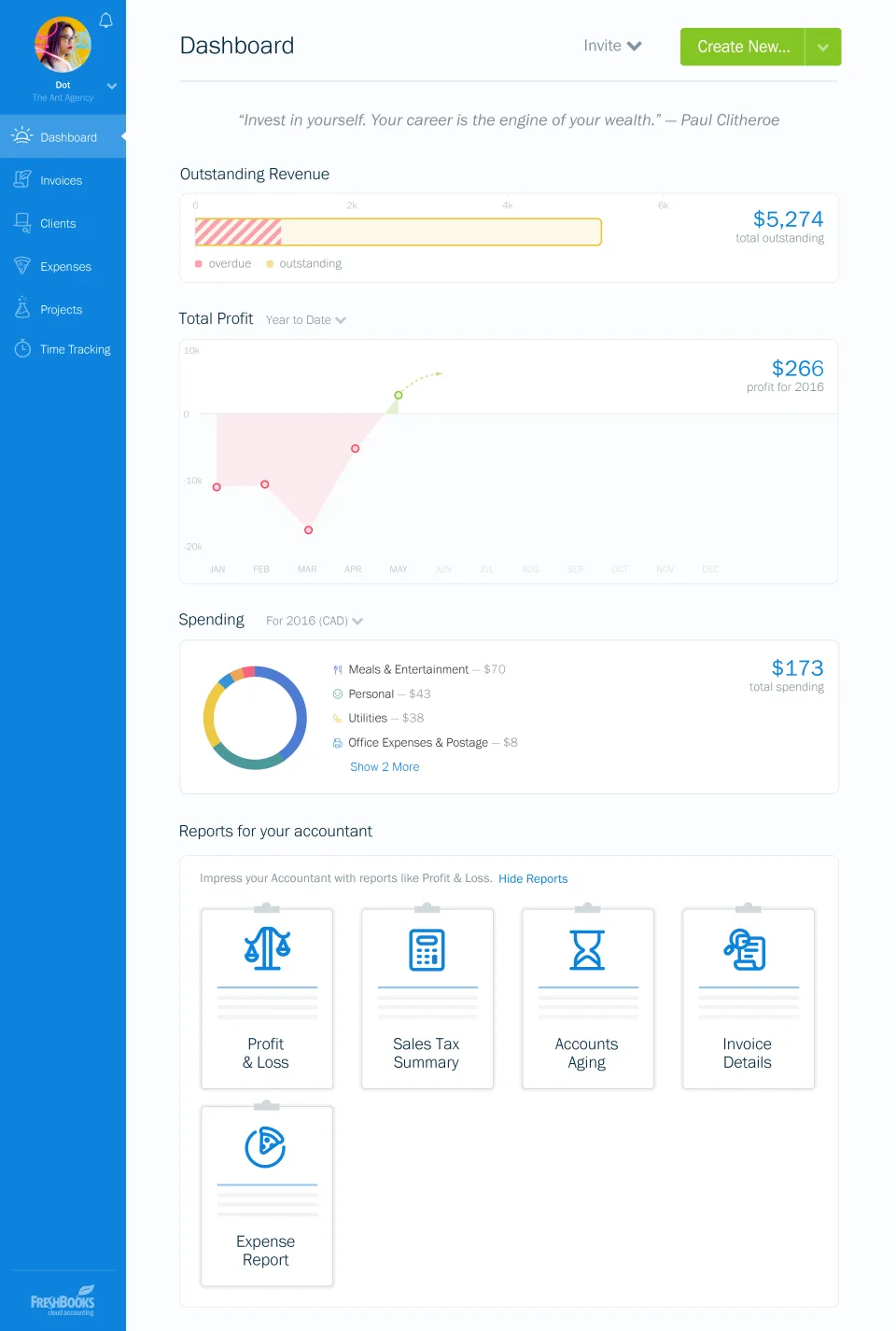
FreshBooks is a cloud-based accounting software designed for small businesses, freelancers, and independent professionals. It offers features such as invoicing, expense tracking, time tracking, project management, and reporting to help businesses manage their finances in one place.
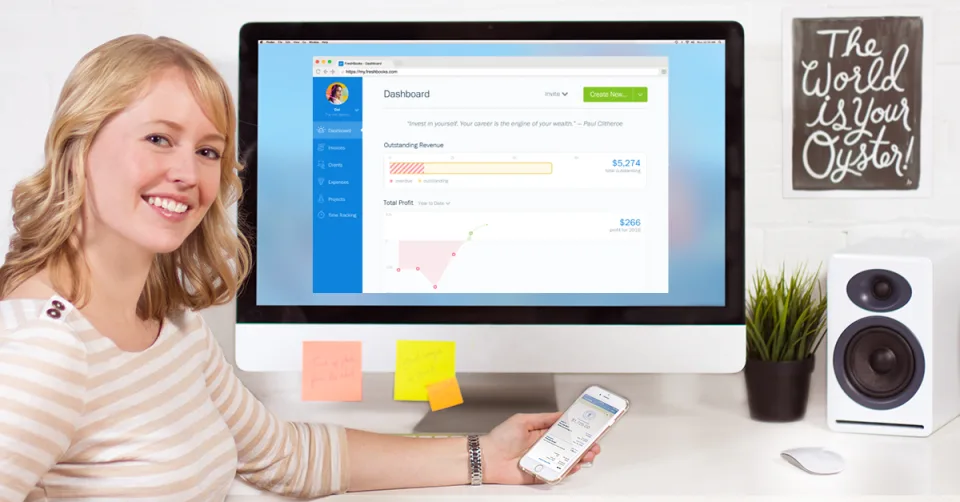
FreshBooks stands out from other accounting software because of its user-friendly interface, which makes it easy for users to navigate and access features quickly. Another strong point of FreshBooks is its mobile app, which allows users to manage their finances on-the-go. Additionally, FreshBooks’ customer support is highly regarded, offering assistance via phone, email, or chat. Overall, FreshBooks is an affordable and easy-to-use accounting solution that is well-suited for small businesses and individuals looking to streamline their finances.
Small companies and freelancers love FreshBooks accounting software. The program has an easy-to-use interface. We like the expense, time, and invoicing tools. We appreciated PayPal, Stripe, and Gusto connections.
We realize that FreshBooks may be too limited for larger businesses with more complex accounting needs. FreshBooks is an affordable and easy-to-use financial management tool for small businesses and independent professionals.
FreshBooks is a simple accounting option with great customer service and a mobile app for managing finances. Overall, we recommend FreshBooks to anyone looking for a streamlined accounting solution with excellent customer support and a mobile app for managing finances on-the-go.
FreshBooks offers four different plans tailored to meet the needs of different types of businesses.
Lite
$21.00
/month
Plus
$38.00
/month
Premium
$65.00
/month
FreshBooks is a cloud-based accounting software designed for small business owners and self-employed professionals. It offers a range of features that can help users manage their finances more effectively, including invoicing, time tracking and project management, and expense tracking and reporting. With FreshBooks, users can create professional-looking invoices, track their time spent on different tasks and projects, and keep track of their business expenses. The software is particularly useful for service-based businesses, such as freelancers, consultants, and agencies but we will focus on the three main features of Freshbooks for you to get a better understanding of the software.
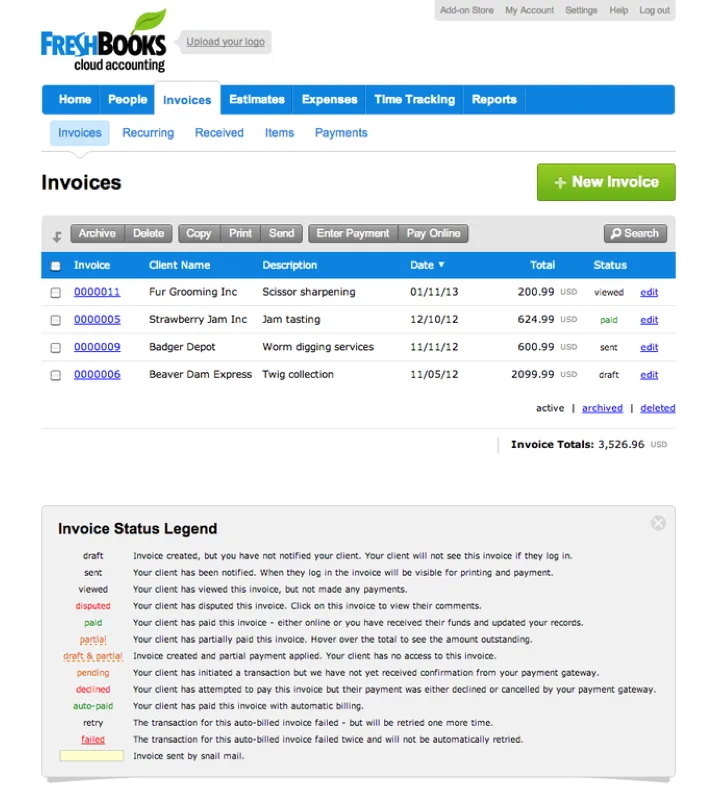
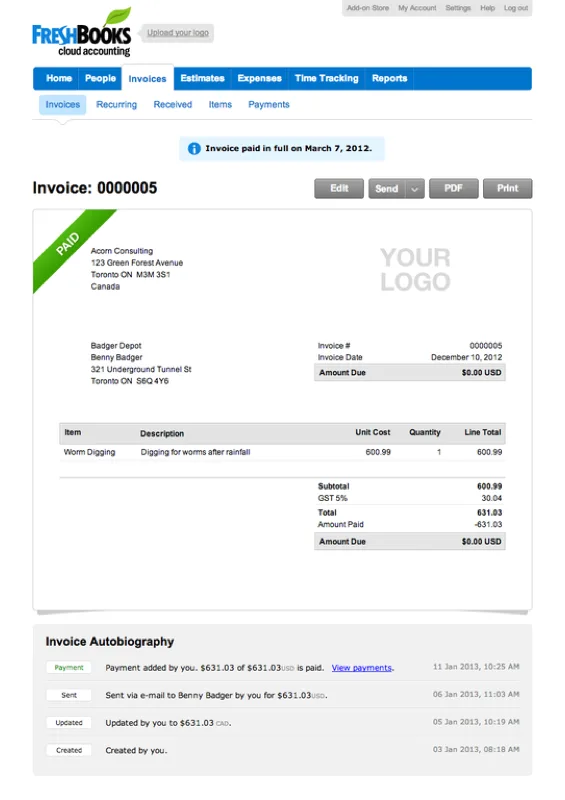
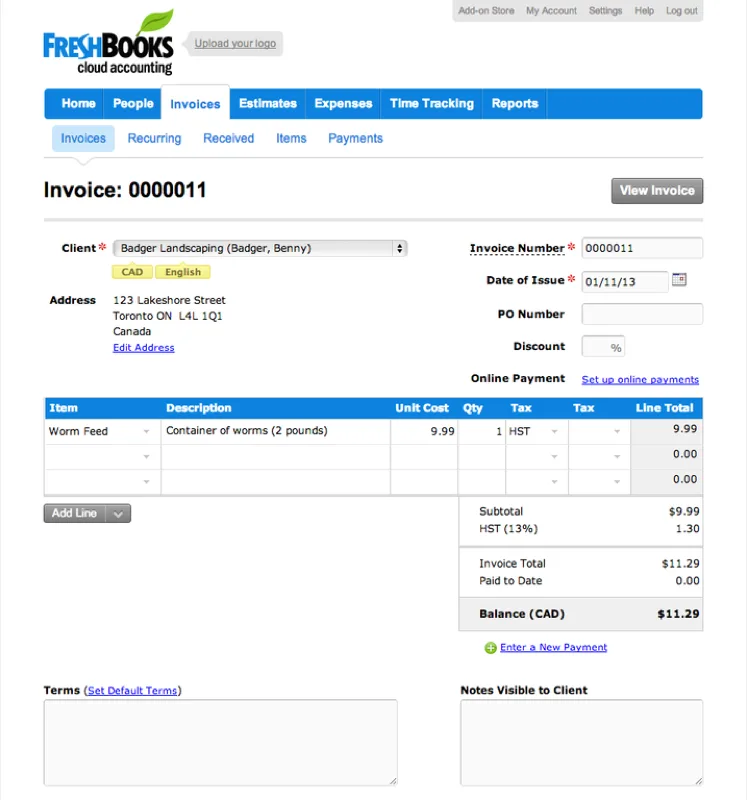
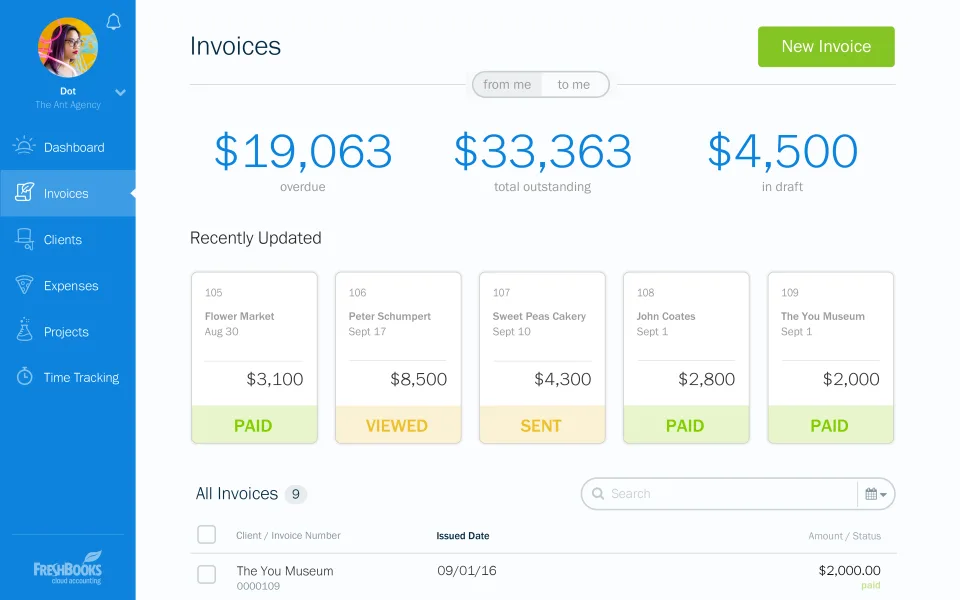
FreshBooks’ invoicing feature is designed to help users create and manage invoices quickly and easily. Users can create professional-looking invoices that can be customised to match their branding and include all the necessary information.
FreshBooks also offers automated payment reminders, which can help to ensure that invoices are paid on time. Additionally, users can set up recurring invoices to be sent out at regular intervals, such as weekly or monthly, which can save time and reduce the likelihood of invoices being overlooked.
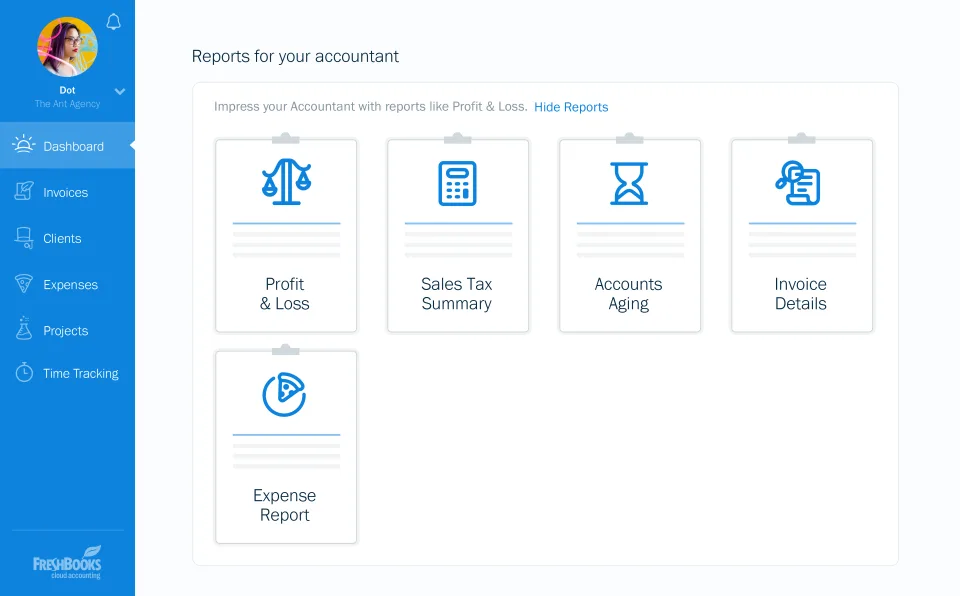
Finally, FreshBooks includes detailed reporting tools to help users stay on top of their invoicing and cash flow, and identify areas where they may need to follow up with clients.
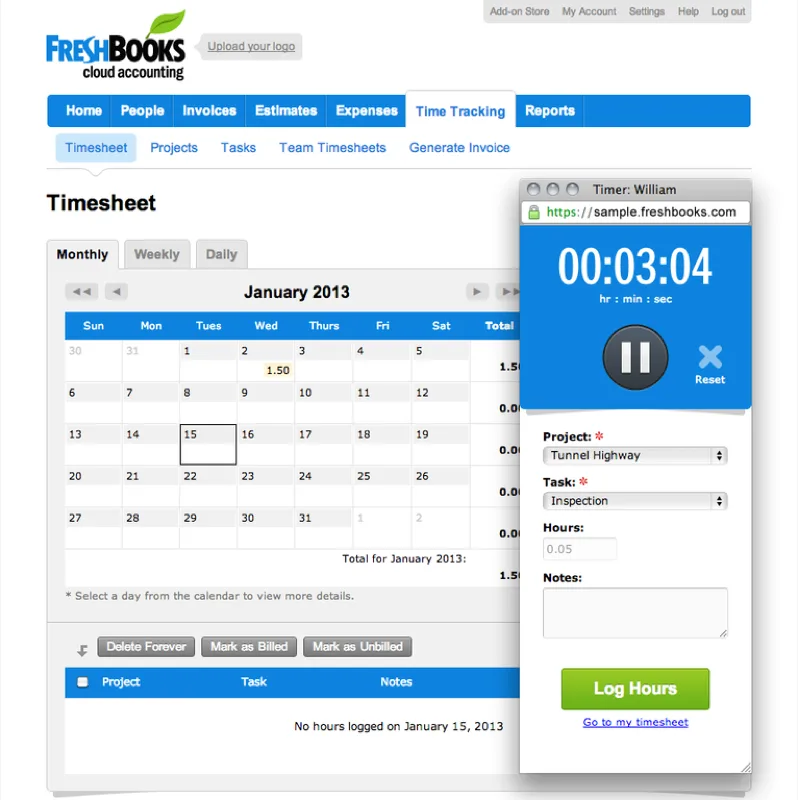
FreshBooks’ time tracking and project management feature is designed to help users keep track of the time they spend on different tasks and projects. It allows users to accurately track their billable hours, assign specific tasks or projects to each time entry, generate invoices based on their time entries.
FreshBooks’ project management tools also allow users to organize their work into projects, set deadlines, and collaborate with team members. Additionally, FreshBooks offers a range of reporting tools, such as reports that show which projects are on track and which are behind schedule, and reports on billable hours and project expenses. With its intuitive interface, detailed reporting tools, and collaboration features, FreshBooks can help businesses of all sizes stay organised and improve their overall efficiency.
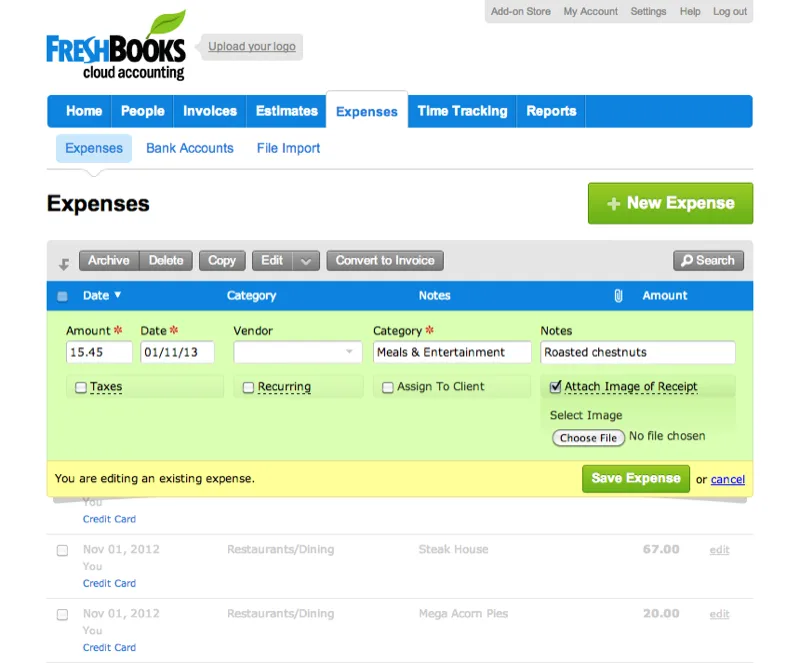
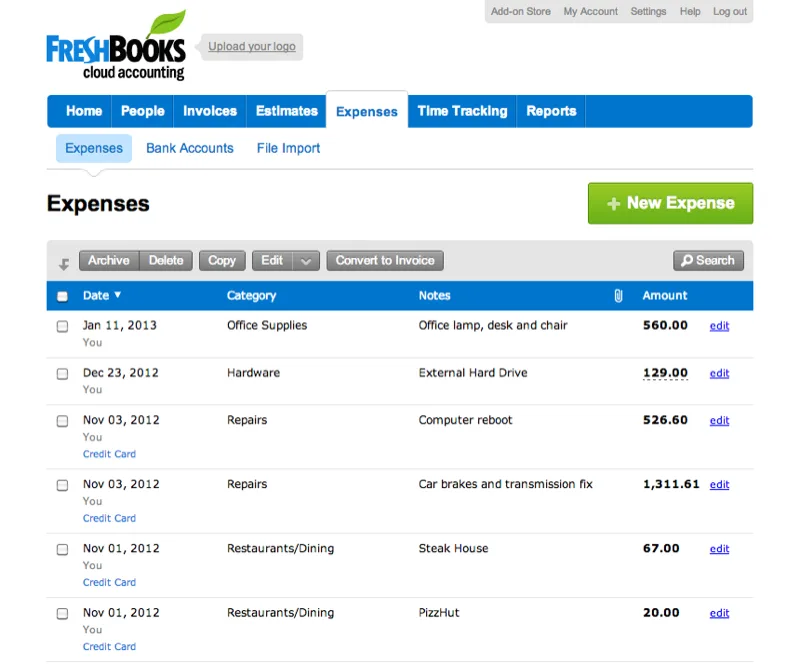
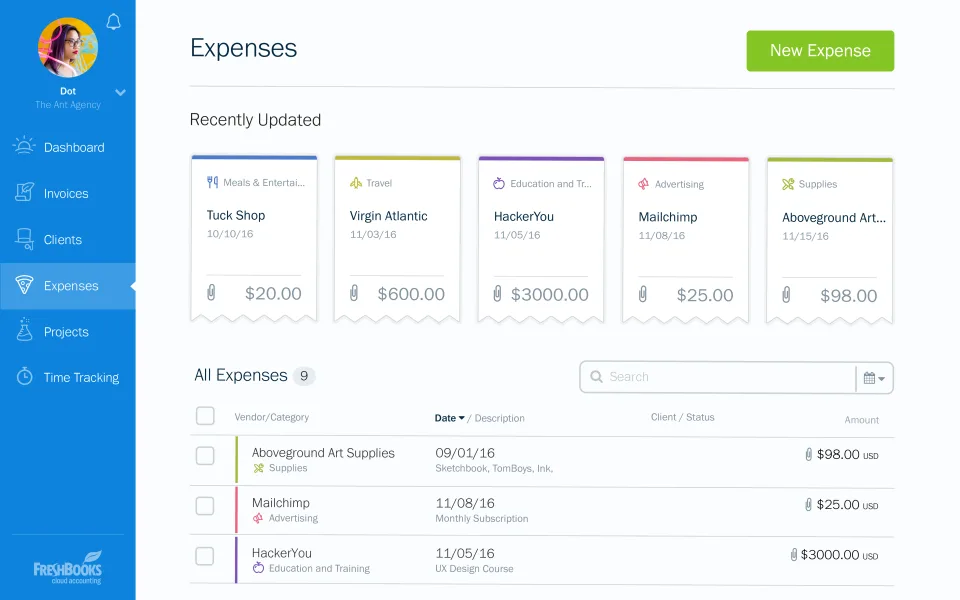
FreshBooks’ expense tracking feature is designed to help users keep track of their business expenses. It allows users to capture receipts, categorise expenses, set up recurring expenses, integrate with bank accounts and credit cards.
Additionally, FreshBooks offers a range of reporting tools to help users gain a better understanding of their business finances. These reports can be useful for identifying areas where expenses can be reduced, as well as for monitoring overall business performance. By providing tools for capturing receipts, categorising expenses, and generating reports, FreshBooks can help users make informed decisions and improve their overall financial health.
Appvizer calculates this overall rating to make your search for the best software easier. We've based it on user-generated verified reviews on industry-leading websites.
The reviews left on Appvizer are verified by our team to ensure the authenticity of their submitters.
Invoice
Bwire Godfrey, January 10, 2024
Great for Invoicing, but Feels Limited Compared to Xero & QuickBooks
Sam Dekin, January 31, 2025

Software

Software

Software

Software

Software

Tip